



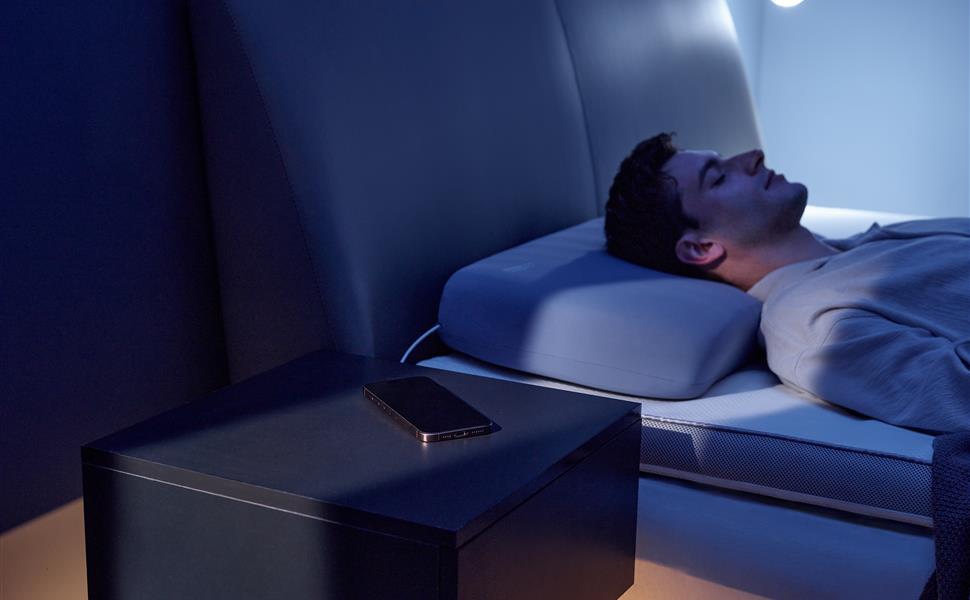
A bedroom is rarely silent. A partner may talk in their sleep, a fan may hum, and a phone notification may sound from the nightstand. If a smart pillow responds to sound, it is reasonable to ask whether it could mistake another noise for snoring.
The honest answer is that no consumer sound-detection system is perfect in every room. How often a pillow reacts to an unrelated sound depends on its design, sensitivity, placement, and the type of noise. You can make a home trial more informative by observing when adjustments occur and what else is happening nearby.
What the pillow is listening for
Sound-responsive pillows are designed to detect patterns consistent with snoring and then make a small positional adjustment. The exact sensors and decision rules differ by model. They are not clinical breathing monitors, and an adjustment does not prove that the sleeper was snoring or that a breathing event occurred.
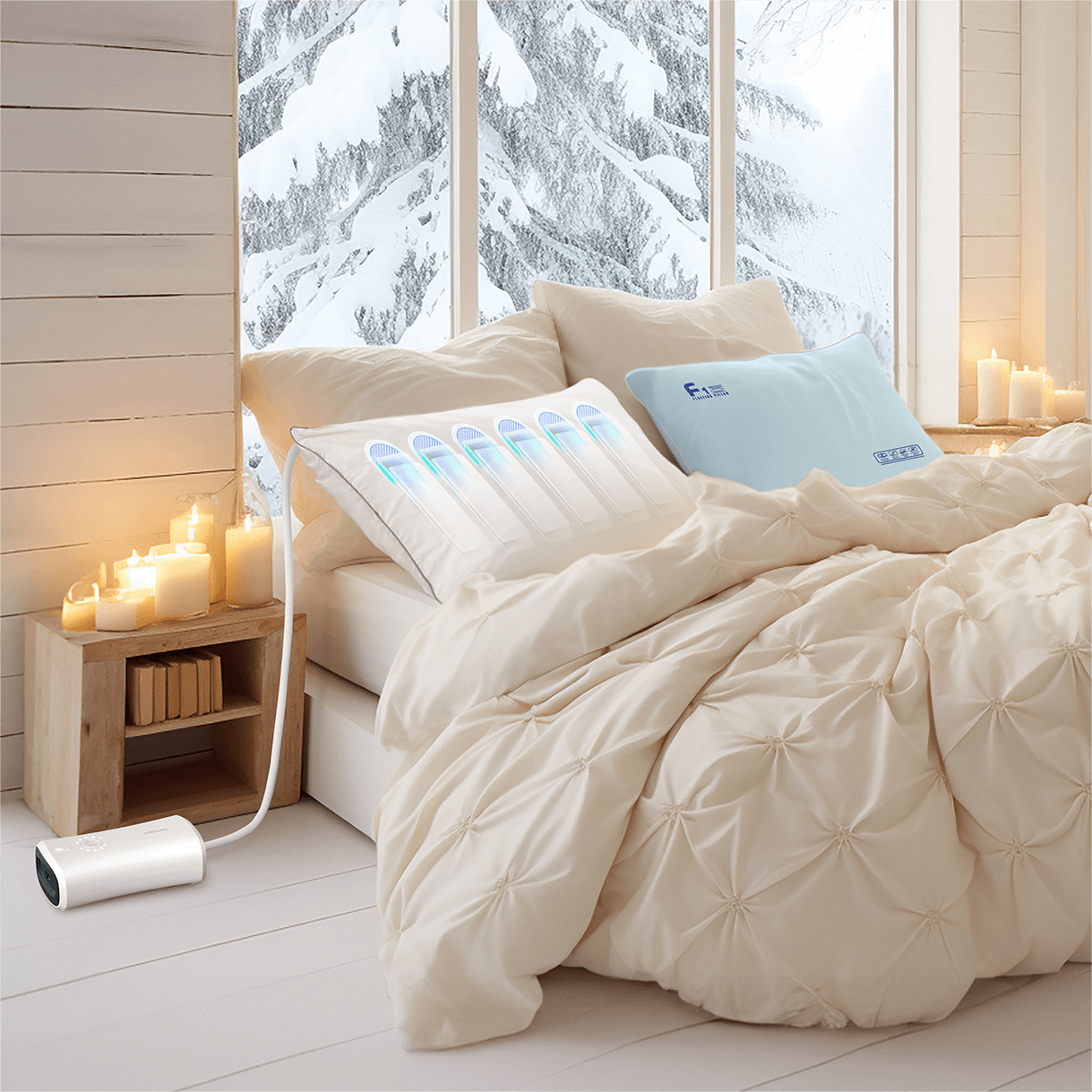
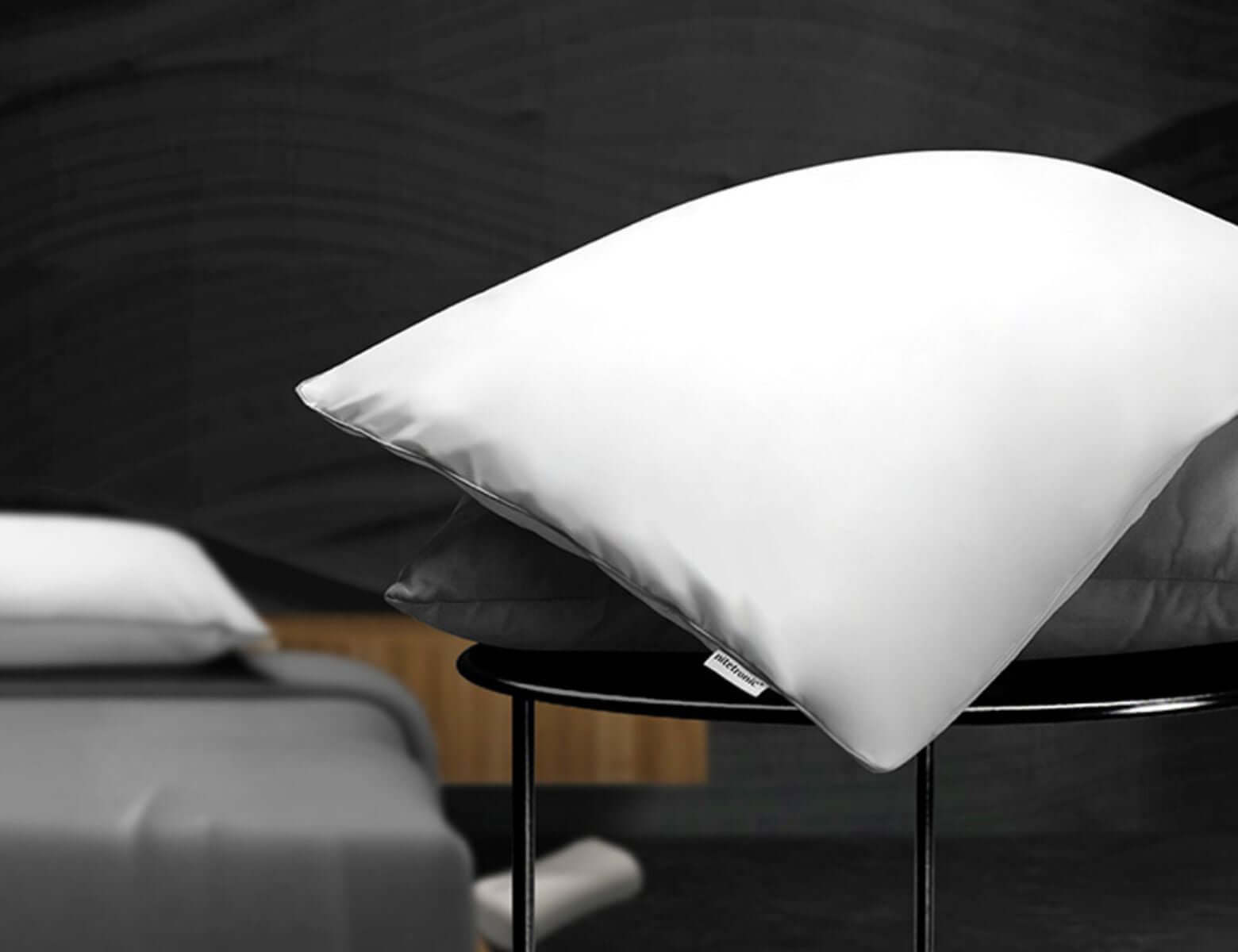
The Nitetronic A1 AI Anti-Snore Pillow is designed as a consumer sleep-support product. Its response aims to provide gentle positioning support. The pillow does not diagnose sleep apnea or replace prescribed care.
Sounds worth checking during a trial
A partner’s snoring
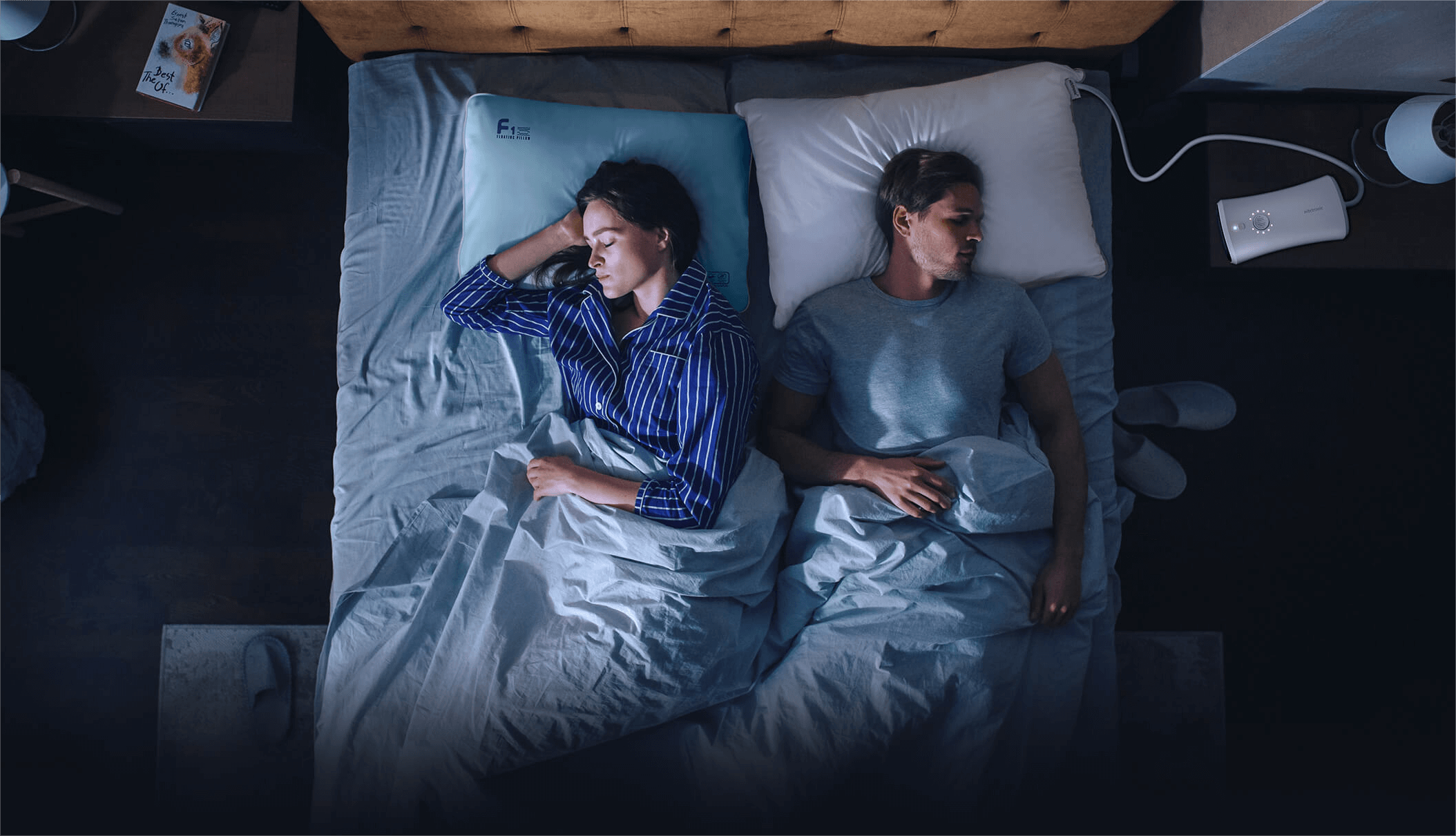
If two people share the bed, the nearby partner may be the source of a sound picked up around the pillow. Note which sleeper was making the noise before assuming the system responded incorrectly.
Fans, air purifiers, and white noise
Continuous low sounds are different from a snore pattern, but a device near the headboard can alter the sound environment. Keep the machine in its usual location during a multi-night test, then note whether moving it changes the pattern.
Television, podcasts, and phone audio
Speech, music, and sudden alerts can create short bursts of sound close to the pillow. If you fall asleep with audio playing, record that fact when comparing nights.
Bedding movement and vibration
Sheets rubbing against a microphone area, a cable tapping the frame, or a controller vibrating on a hard surface may create noise near the sensor. Check the physical setup before changing sensitivity settings.
Coughing or nasal congestion
Coughs and breathing sounds are not the same as snoring. A congested night can also change the sleeper’s usual sound pattern. These nights should be noted separately in any trial.
How to investigate an unexpected adjustment
Start with the simplest checks:
- **Confirm the time.** Note approximately when the pillow moved and whether you or a partner were awake.
- **Check nearby sources.** Was a TV on, a phone alert sounding, or a fan unusually close?
- **Inspect the setup.** Make sure bedding is not covering a sensor area and connections are not tapping the bed frame.
- **Use the normal settings.** If the manual offers sensitivity controls, change only one setting at a time and record it.
- **Compare several nights.** One isolated movement is not enough to judge the product’s detection quality.
Do not open the pillow or controller to inspect internal sensors. Use the manufacturer’s support process when the response seems consistently unusual.
A three-night comparison that avoids guesswork
For a small home check, keep bedtime, pillow placement, and device settings consistent. On each morning, record:
| Observation | Night 1 | Night 2 | Night 3 |
| --- | --- | --- | --- |
| Nearby audio devices | | | |
| Partner present | | | |
| Pillow setting | | | |
| Noted adjustments | | | |
| Partner-observed snoring | | | |
| Comfort and awakenings | | | |
If the response changes only when a specific nearby sound is present, that is useful information for the product support team. It is not a medical interpretation of your sleep.
For a longer observation plan, see our 14-night pillow testing guide.
What to check before moving the device
The location of a controller, tube, and power lead can affect both sound and comfort. Keep the controller on a stable surface, route connections without tension, and follow the product manual. Our bedside setup checklist covers these practical details.
Do not move equipment into a place that blocks ventilation or creates a trip hazard just to reduce a suspected sound trigger.
Sound detection is not a sleep-apnea test
An app event, pillow adjustment, or quiet recording cannot confirm that breathing was healthy. Loud snoring can occur without sleep apnea, and sleep apnea can require a clinical test to diagnose. If someone observes breathing pauses, choking or gasping, or marked daytime sleepiness, seek professional evaluation.
Keep using any prescribed CPAP or oral appliance as directed. A consumer pillow may support comfort but does not replace treatment.
Frequently asked questions
Can a partner’s snoring trigger a smart pillow?
It may affect some sound-responsive systems, depending on the product and room setup. Observe several nights and ask the manufacturer how its model handles shared-bed sounds.
Should I turn off my fan?
Not automatically. First note where it sits and whether the pillow behaves differently when the fan is at its usual setting. Comfort matters too.
Does every adjustment mean I snored?
No. An adjustment is a product response, not proof of a specific sound or a clinical breathing event.
Can I use a phone recording to check?
A recording may add context, but it can also capture other people and background noise. Use it only with everyone’s consent and do not treat it as a diagnostic test.
When should I contact support?
Contact support if the pillow repeatedly moves at unexpected times, fails to respond as described, makes unusual mechanical sounds, or becomes uncomfortable after you have checked the setup and manual.
A practical conclusion
Occasional unrelated sounds are part of real bedrooms. Evaluate a smart pillow across several nights with a consistent setup and note the sound environment before changing settings. The goal is comfortable, predictable support, with clear limits on what consumer sound detection can tell you about breathing and health.


Leave a comment
This site is protected by hCaptcha and the hCaptcha Privacy Policy and Terms of Service apply.