



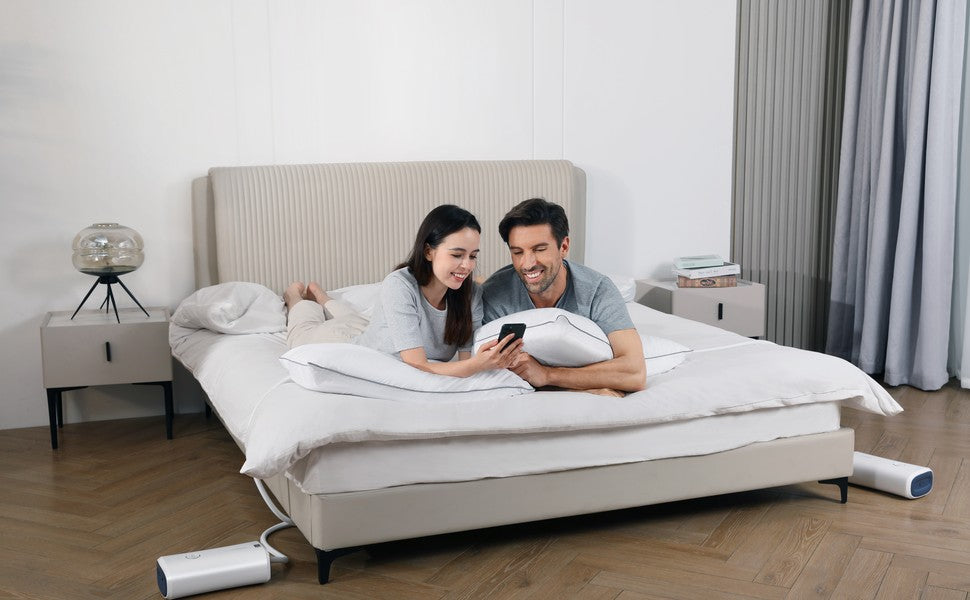
“Smart pillow” can sound as if you need a phone beside the bed all night. That depends on the product. Before buying, separate three questions: what needs power, what needs internet, and what the app adds. For Nitetronic's responsive anti-snore models, the core adjustment is not the same thing as the optional report on your phone.
Power and Wi-Fi are different requirements
A powered pillow needs its approved power source to run its electronic features. Wi-Fi is a network connection, not a substitute for power. The Nitetronic FAQ says the core functions of its smart products can work without Wi-Fi or a phone switched on, as long as the device itself is switched on. Check the current instructions for your exact model before setup, especially after moving the pillow to a new room.
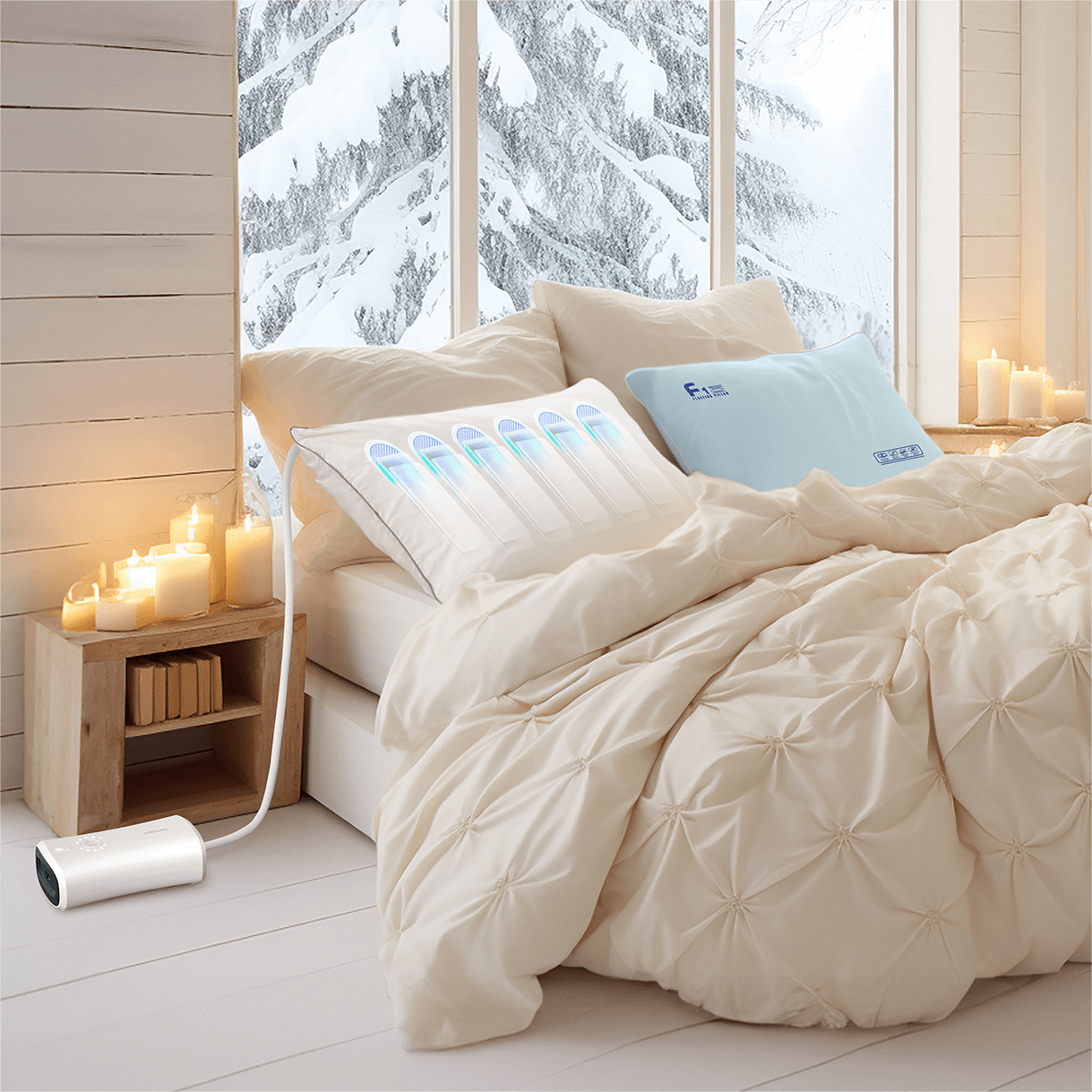
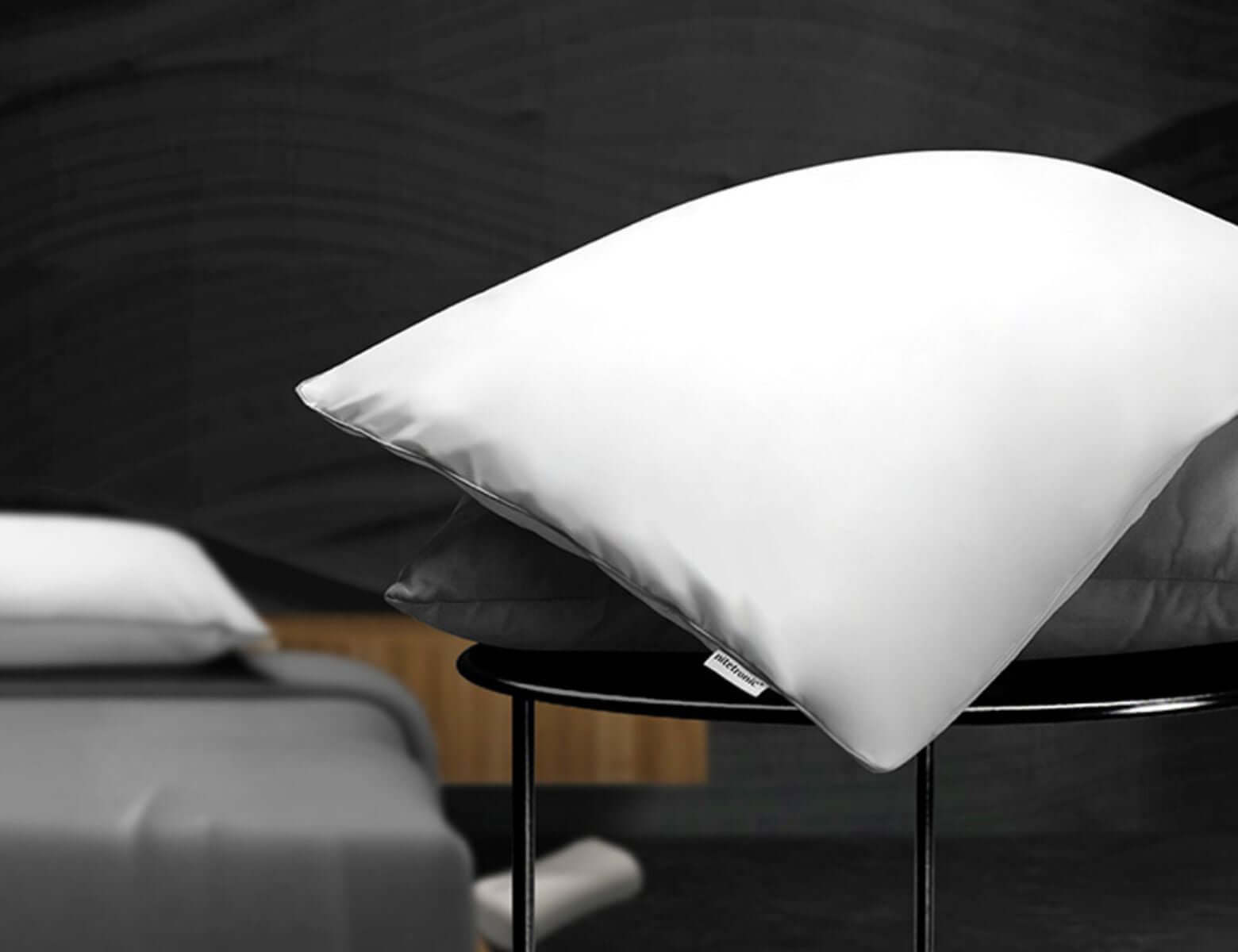
The Nitetronic Z6 Smart Anti-Snore Pillow has on-device buttons as well as app controls. Its sound and position sensing are designed to trigger a gentle air-chamber adjustment when relevant snoring is detected. The pillow is a consumer sleep-support product; its response is not a guarantee that every snoring episode will stop.
What does the app add?
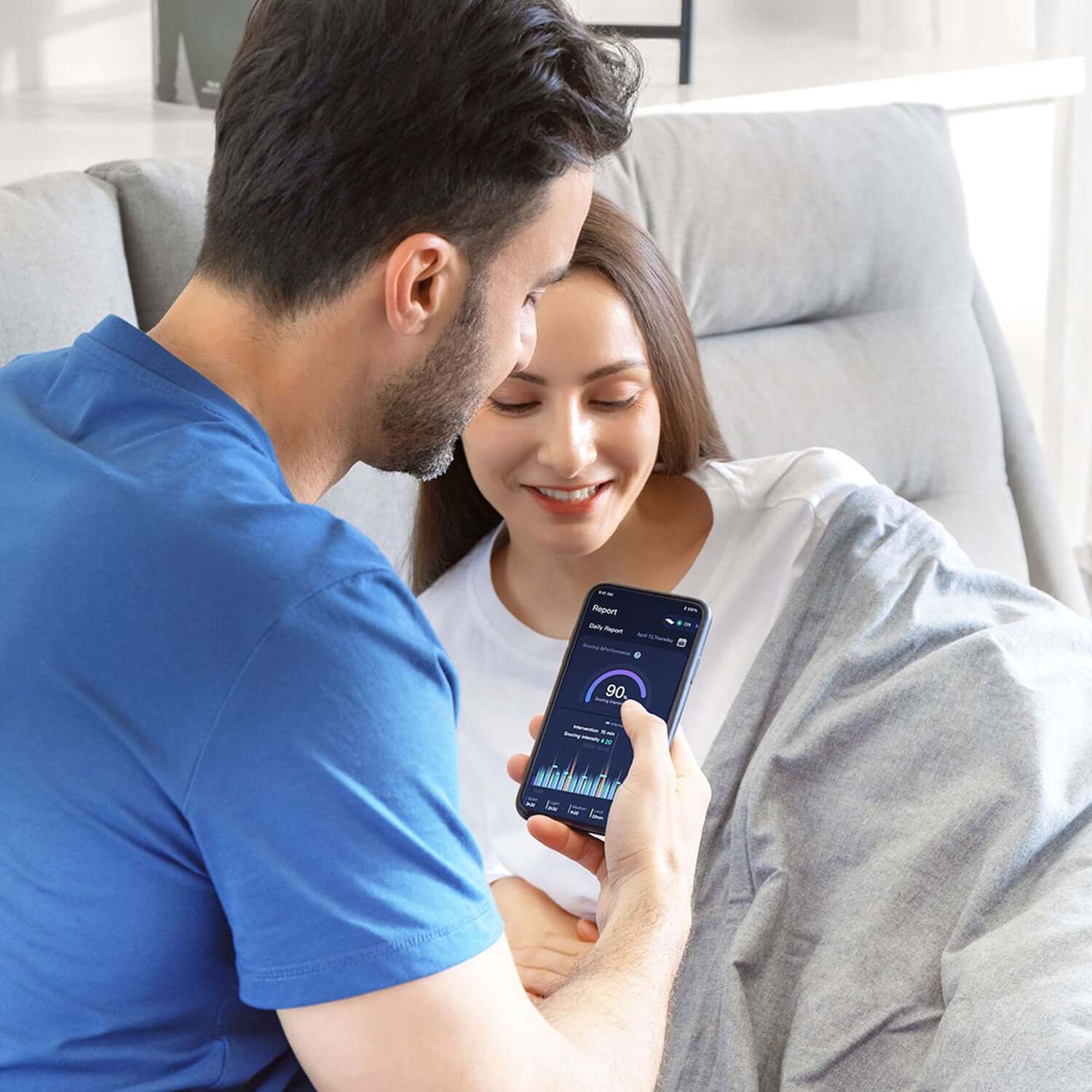
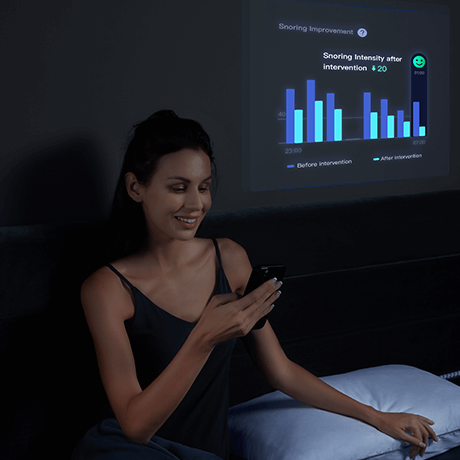
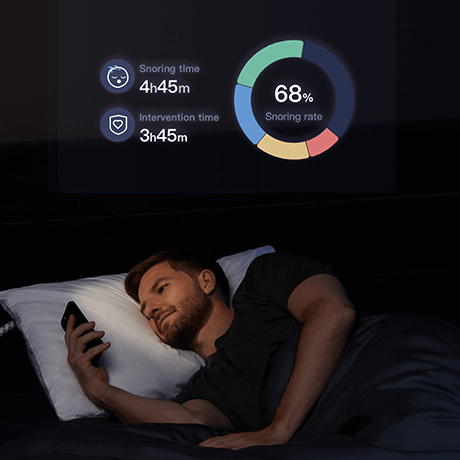
The app can make settings and sleep-related trends easier to review. Nitetronic's FAQ describes it as a way to view snoring information and adjust parameters such as detection sensitivity. Those reports are useful for spotting patterns across several comparable nights, but a consumer app cannot diagnose sleep apnea or tell you that every breathing event was harmless.
If you prefer not to use an app, check whether the model's physical controls offer the settings you need. If you do use the app, follow the model-specific pairing guide rather than assuming that all Nitetronic products connect in the same way. A phone connection may be needed for viewing reports or changing app-only options, even when the core pillow response works offline.
A simple offline-use checklist
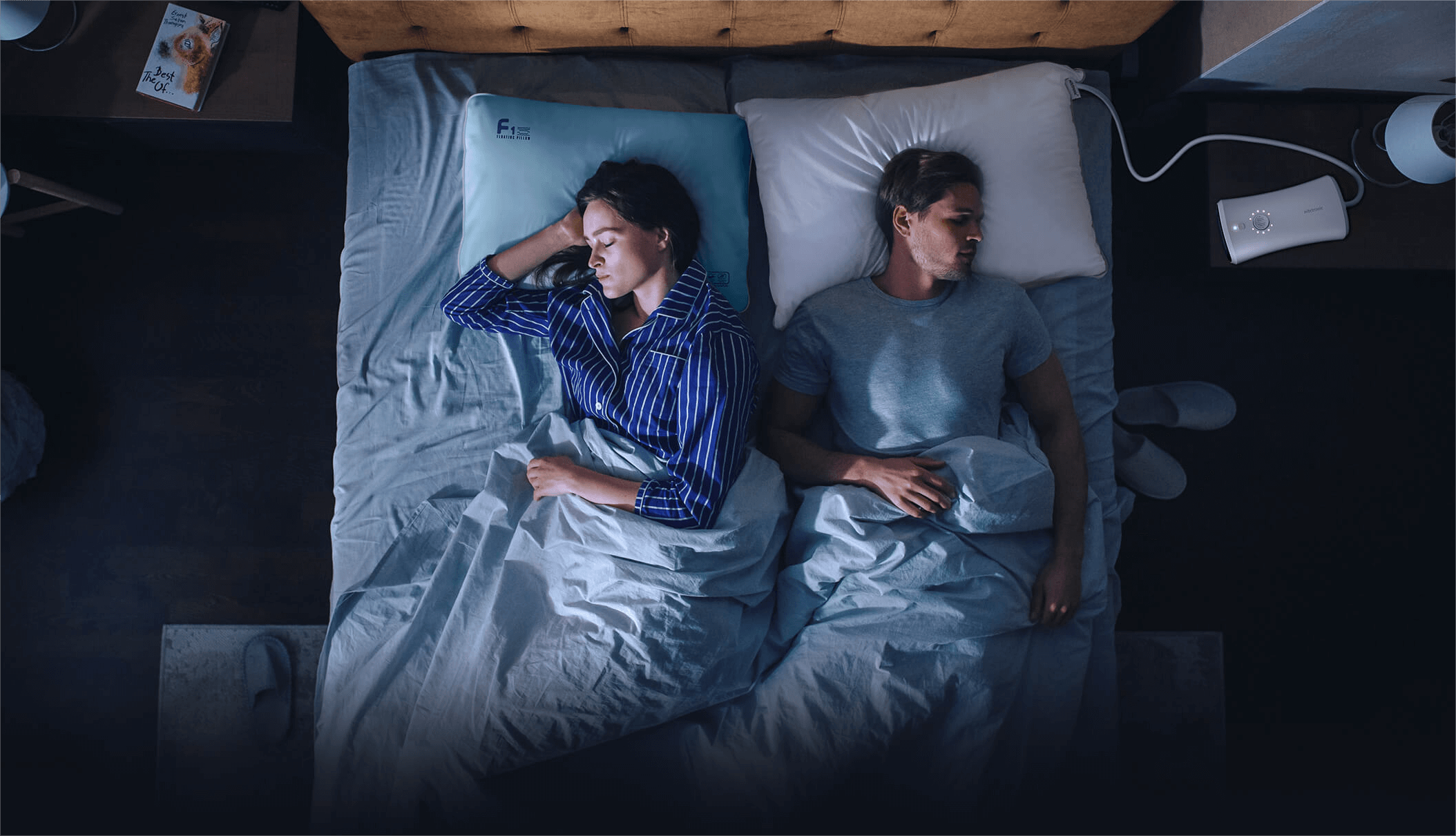
Before bed, confirm that the approved adapter and controller are connected as instructed. Place the pillow so the head rests in its intended area and any hose or cable is not pinched. Check the operating state using the model's own indicators or approved demonstration procedure. Then keep the setup consistent for several nights before judging a trend.
If the pillow appears not to respond, do not immediately blame Wi-Fi. Review power, placement, model settings, and the approved function check first. Our calm troubleshooting checklist explains those steps without recommending improvised repairs.
Keep the health question separate
Whether the pillow is online or offline, it cannot diagnose or treat obstructive sleep apnea and should not replace prescribed care. If someone notices breathing pauses, gasping, frequent loud snoring, or significant daytime sleepiness, seek professional evaluation. The National Heart, Lung, and Blood Institute lists symptoms worth discussing with a healthcare provider.
FAQ
Will the Z6 stop working if my phone is off?
Nitetronic says core smart-pillow functions operate without the phone on, provided the device itself is correctly powered and switched on. Use the latest Z6 instructions for your exact setup.
Can I see my sleep report without connecting the app?
App-based reports require the relevant phone and account setup. The absence of a report is not the same as proof that the pillow did not operate.
Is Wi-Fi the same as the pillow's power supply?
No. Wi-Fi carries data; the electronic pillow features require the approved power connection. Do not substitute an unapproved adapter.
Can an offline pillow tell me whether I have sleep apnea?
No. Neither offline operation nor an app report is a clinical test. Seek medical advice for concerning symptoms.

Leave a comment
This site is protected by hCaptcha and the hCaptcha Privacy Policy and Terms of Service apply.