



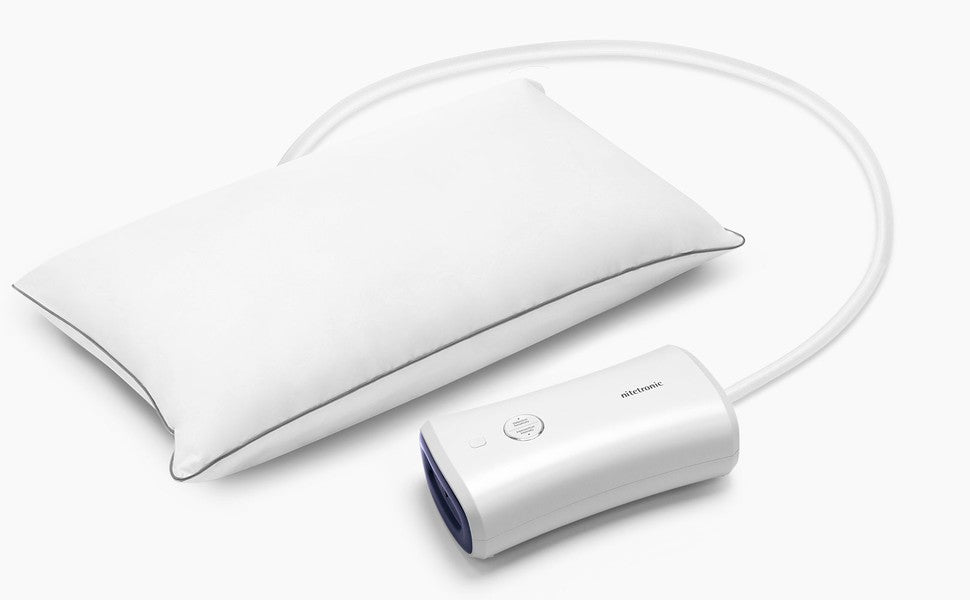
You set up a smart anti-snore pillow, but the next morning you are not sure it did anything. That does not automatically mean the pillow is broken. A responsive pillow may not move on a night when it does not detect a relevant snoring pattern, while an incomplete setup can also prevent normal operation. Work through these checks before changing several settings at once.
This guide is for consumer sleep products. Follow the instructions for your exact model; do not open a powered unit or improvise a repair.
1. Separate “no movement” from “no power”
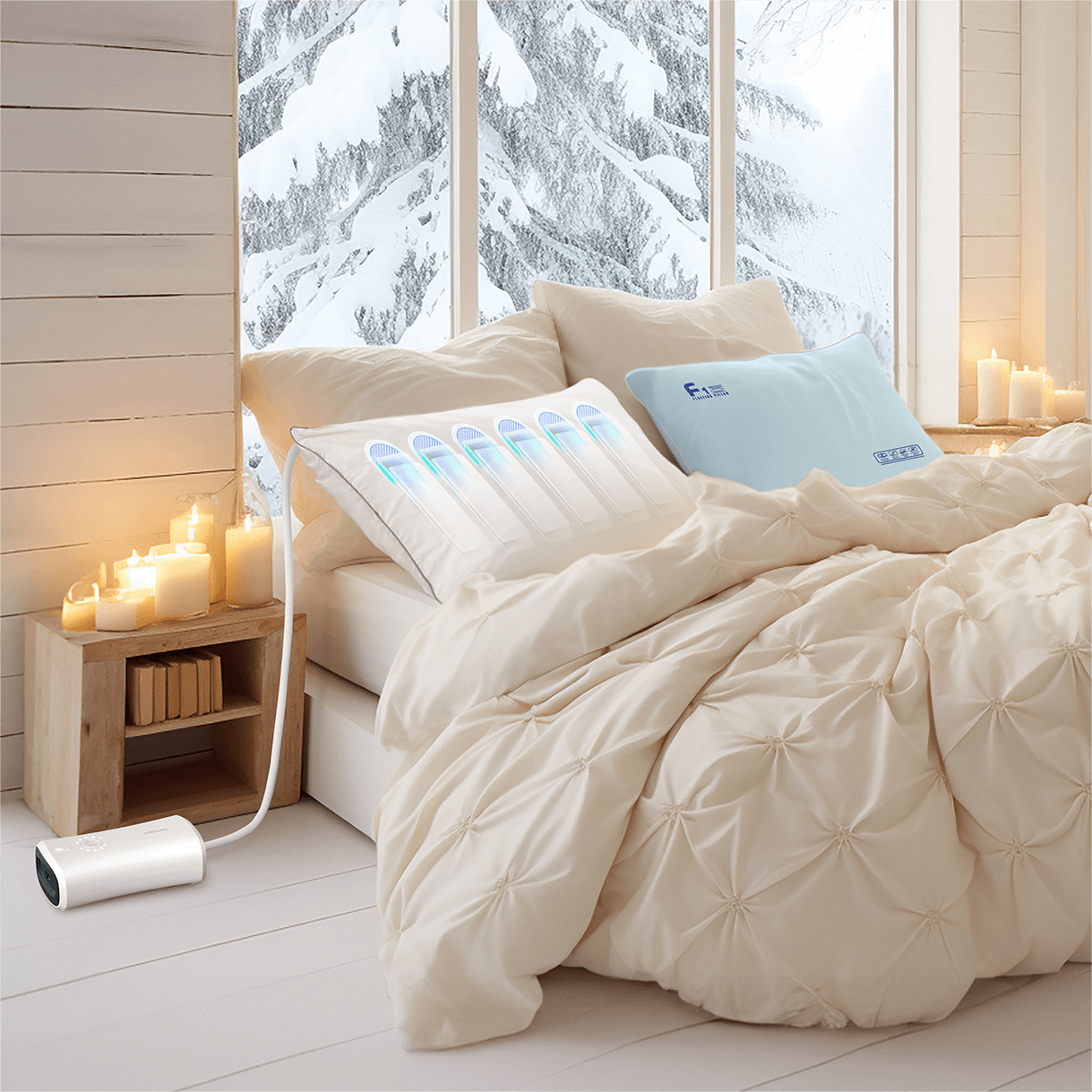
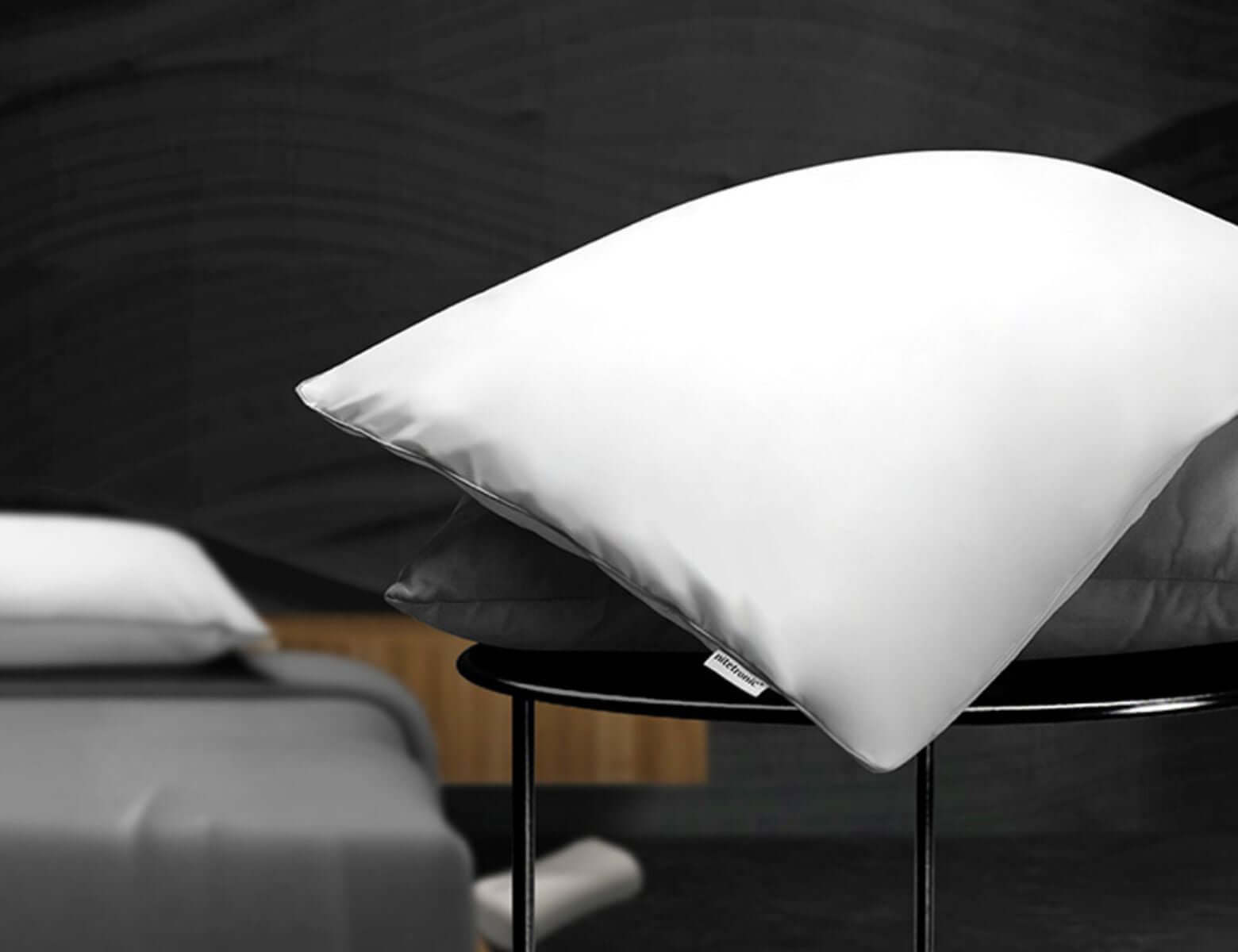
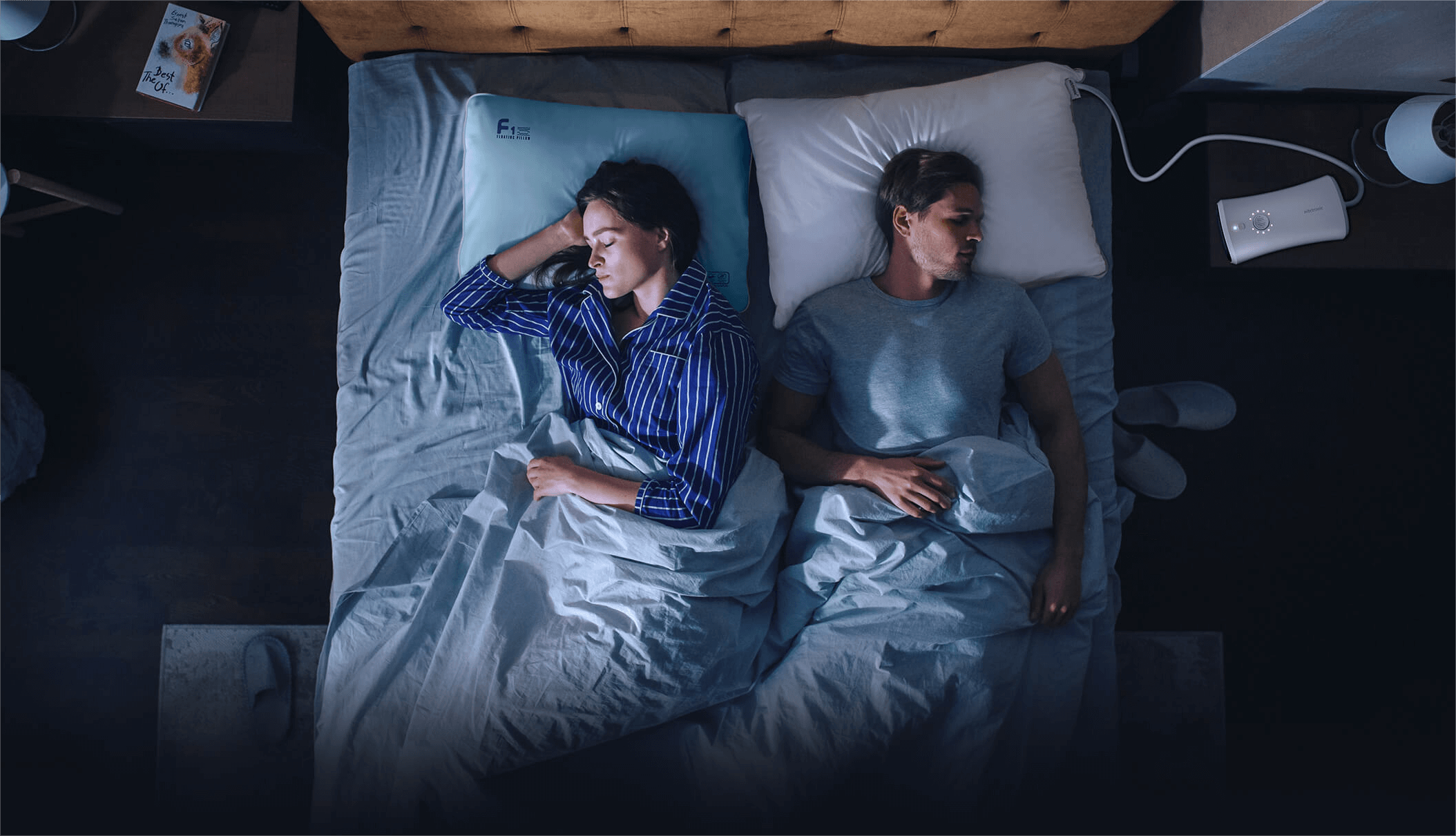
Ask what you actually observed. Did the controller fail to turn on, or did the system appear powered but never adjust? These are different problems. The Nitetronic Z6 Smart Anti-Snore Pillow uses a separate control unit and responsive air chambers. Its adjustment is intended to occur after relevant snoring is detected, not at a fixed interval throughout the night.
Check the approved adapter, wall outlet, and visible connections using the model manual. If the cable, adapter, connector, or controller looks damaged, stop using the powered feature and contact support. Never test a damaged electrical component in bed.
2. Check the pillow and hose placement
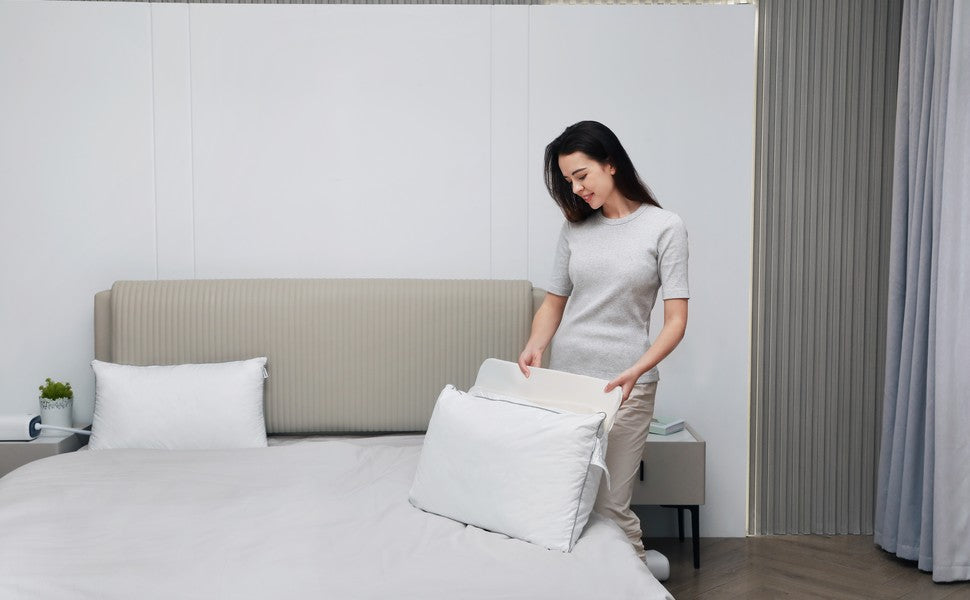
Make sure the pillow is oriented correctly and your head rests in the intended area. A hose that is sharply bent, trapped beneath furniture, or pulled tight can interfere with normal adjustment. Keep cables and tubing away from the neck and from places where someone could trip.
Do not place another pillow beneath the smart pillow unless the manufacturer approves it. Extra bedding can change height and affect sensing or movement. Our head-position guide offers a more detailed comfort check.
3. Confirm the mode and settings, then change only one thing
Review the model's display, buttons, or app for its operating state. The Nitetronic FAQ notes that Z6 sensitivity and intervention strength can be adjusted from the controller. Start with the recommended settings in the current instructions rather than immediately selecting the strongest response.
If the manufacturer provides an approved demonstration or reset procedure, use that procedure to distinguish a setup issue from an absence of detected snoring. Do not repeatedly imitate snoring into a sensor or keep disconnecting components at random. Note the setting you used so you can compare the next night fairly.
4. Check the pillowcase and the room
A case that pulls tightly over moving sections may restrict them. Use a model-compatible case that leaves the pillow's adjustment areas free. The Nitetronic FAQ advises against a tight replacement pillowcase for this reason.
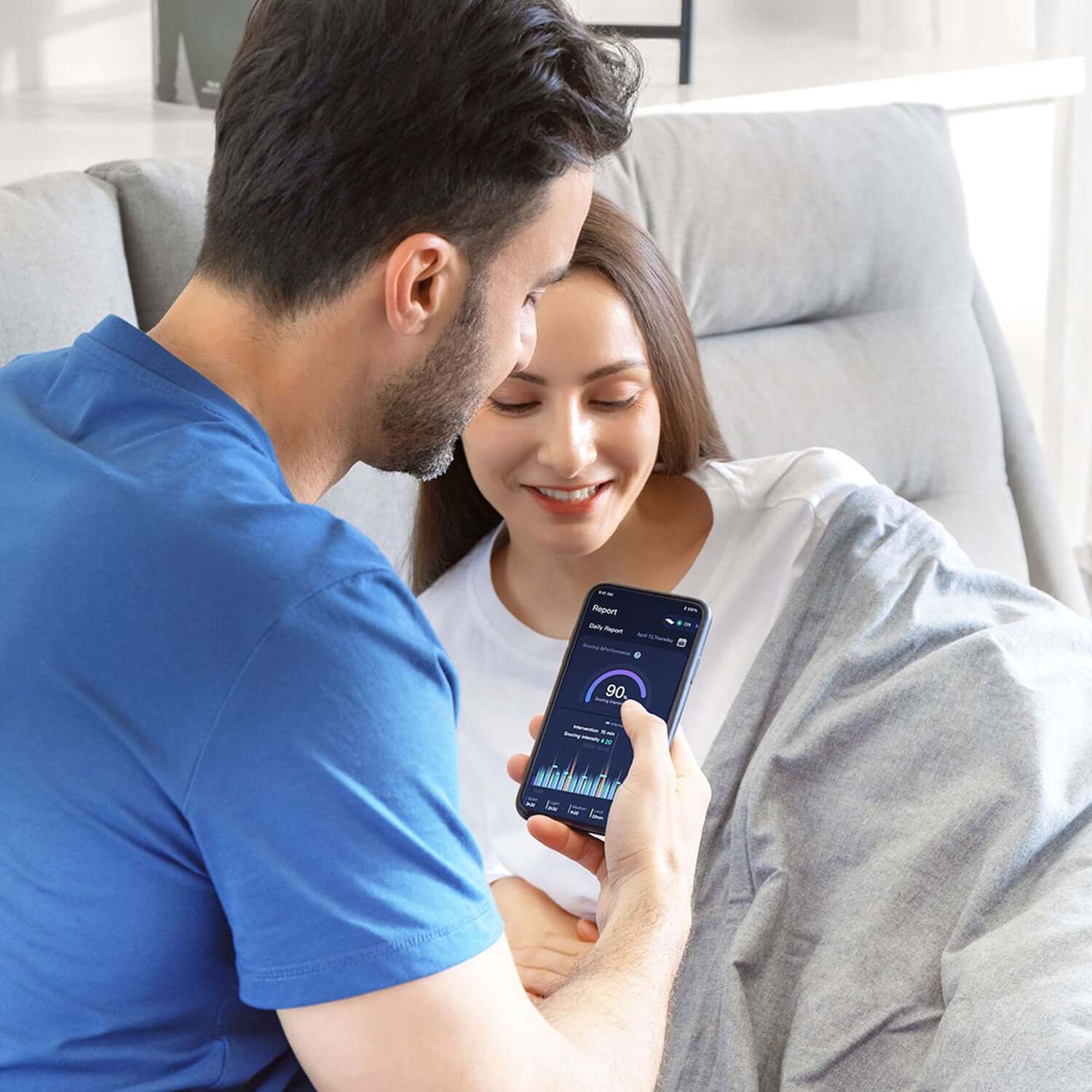
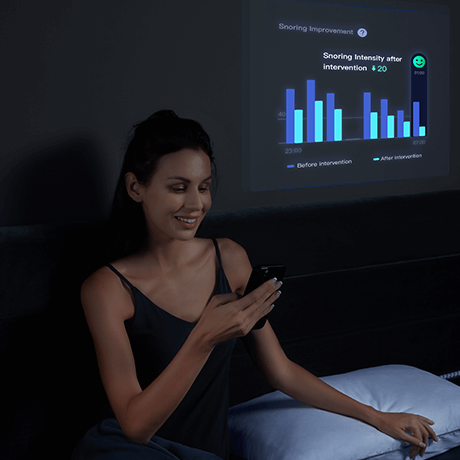
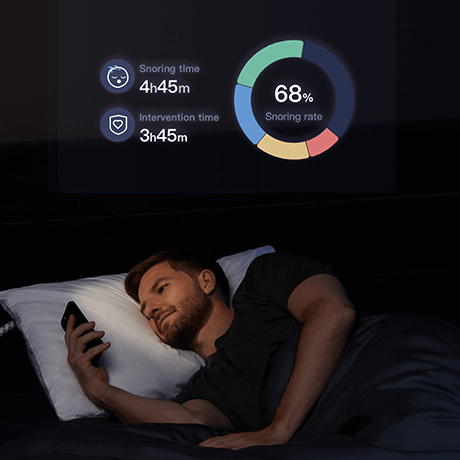
Room sound can also complicate interpretation. A fan, television, pet, partner, or street noise may affect a microphone-based report. Conversely, a quiet app report does not prove that every breathing event was absent. Keep the room and any recording-device placement consistent when comparing nights.
5. Decide whether it is a product issue or a health question
If the approved function check fails, or the system repeatedly behaves unexpectedly after a correct setup, contact Nitetronic support with the model name, observed behavior, settings, and any error message. Avoid dismantling the pillow or substituting an unapproved power supply.
If snoring is loud and persistent, or someone observes breathing pauses, gasping, or marked daytime sleepiness, seek medical advice regardless of what the pillow or app reports. The National Heart, Lung, and Blood Institute lists symptoms that merit evaluation. A smart pillow is a consumer sleep aid, not a sleep-apnea diagnostic test or a substitute for prescribed treatment.
FAQ
Should a smart anti-snore pillow move every night?
Not necessarily. A responsive model adjusts when its sensing system identifies a relevant pattern. No remembered movement on one night is not, by itself, proof of a fault.
Should I raise sensitivity to the maximum?
Not as a first step. Confirm correct setup and follow the model's recommended settings. Change one approved setting at a time so you can tell what made a difference.
Can a tight pillowcase stop the adjustment?
It may restrict moving areas or change how the pillow feels. Use a compatible case and follow the product instructions.
What if the controller does not turn on?
Check only the safe, external connections identified in the manual. If there is visible damage or the approved check still fails, stop using the powered feature and contact support.

Leave a comment
This site is protected by hCaptcha and the hCaptcha Privacy Policy and Terms of Service apply.