



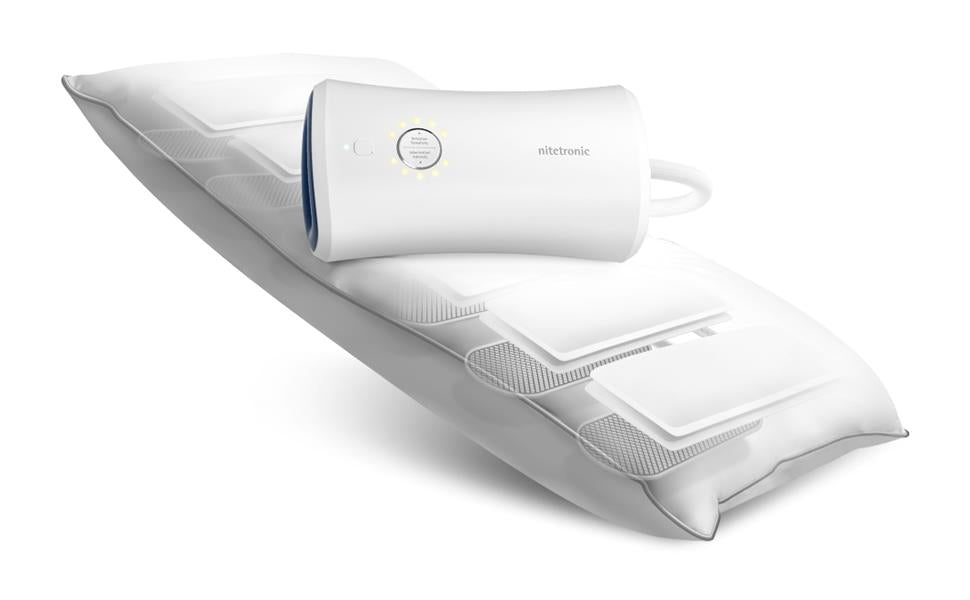
A smart anti-snore pillow can include sensors, an app, and an adjustable support system, but the technology still needs a good physical setup. Pillow position, app permissions, bedroom noise, and your own comfort can all affect the first week of use.
This checklist explains how to set up a sensor-guided pillow without treating its data as a medical diagnosis or expecting one night to provide a final answer.
1. Start With the Physical Fit
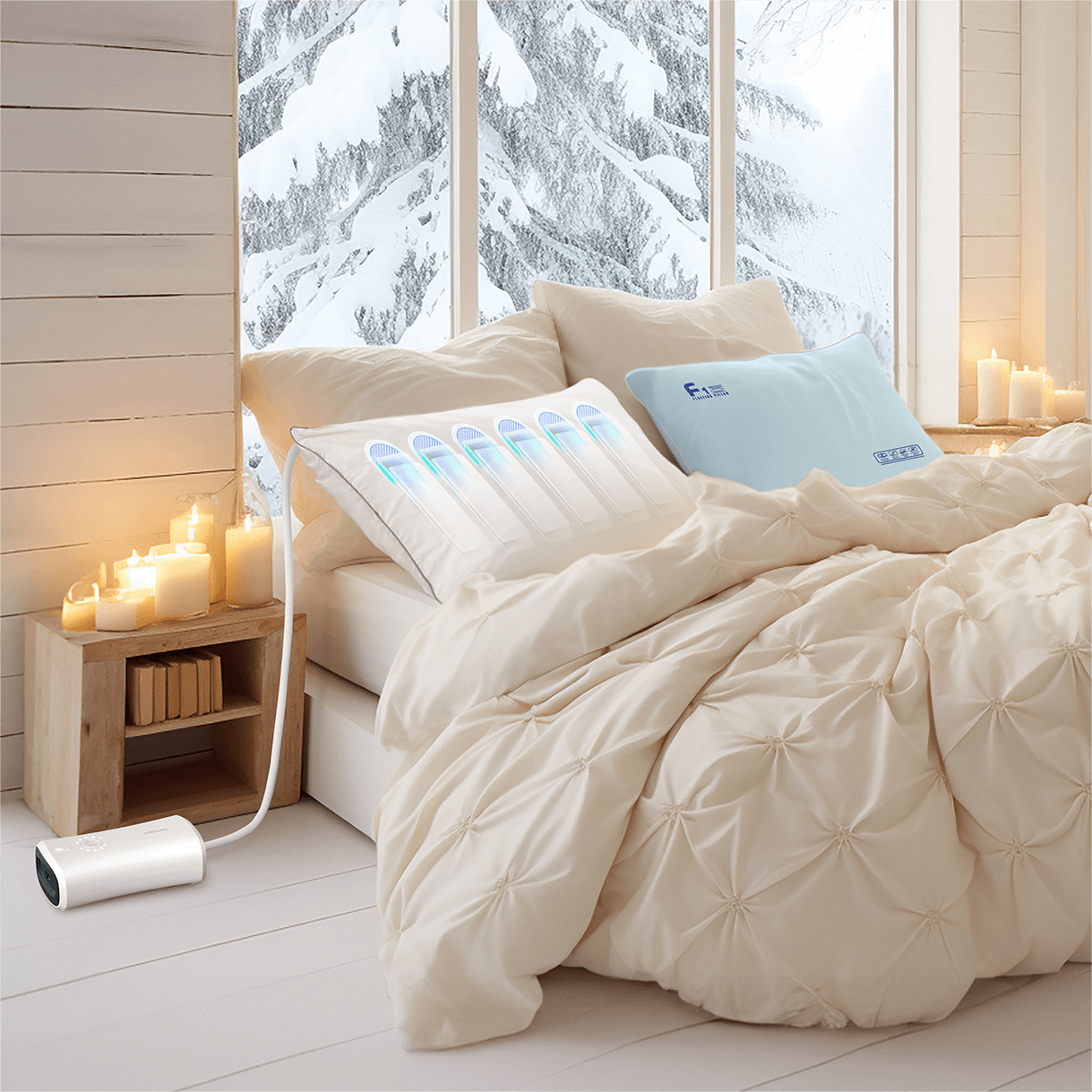
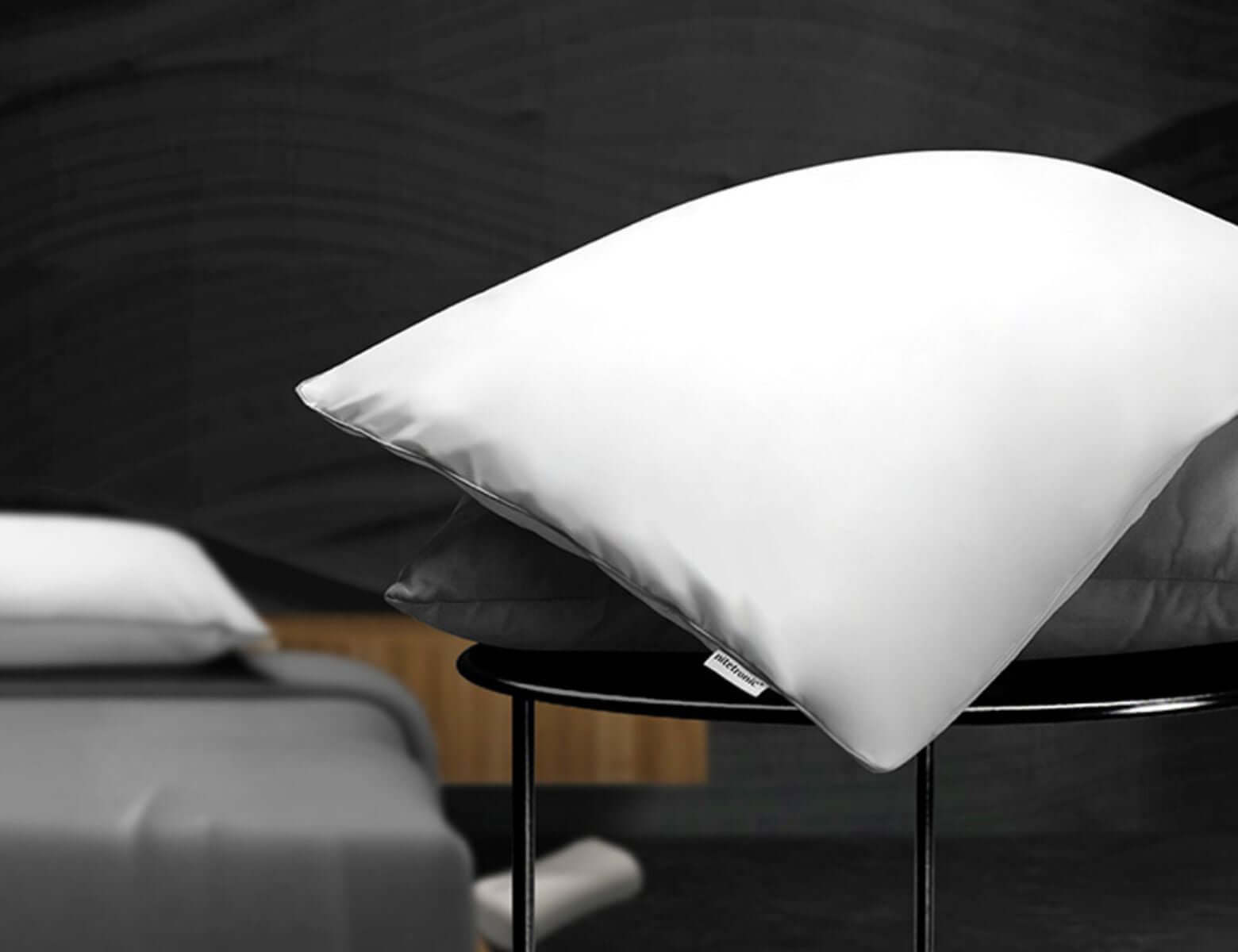
Place the pillow on a stable mattress surface and check its orientation before connecting power. The head-support area, control module, hose, or cable should match the manufacturer’s instructions. Do not fold an air chamber, trap a cable under the mattress, or place the control unit where bedding can block ventilation.
Lie down in your usual position before turning on automatic features. Your head and neck should feel supported without being forced forward or tilted uncomfortably. If the pillow has manual height settings, begin with a moderate level rather than the highest adjustment.
Comfort depends on body shape, shoulder width, mattress firmness, and sleeping position. A setting that works for a back sleeper may feel too low for a side sleeper.
2. Position the Control Unit Carefully
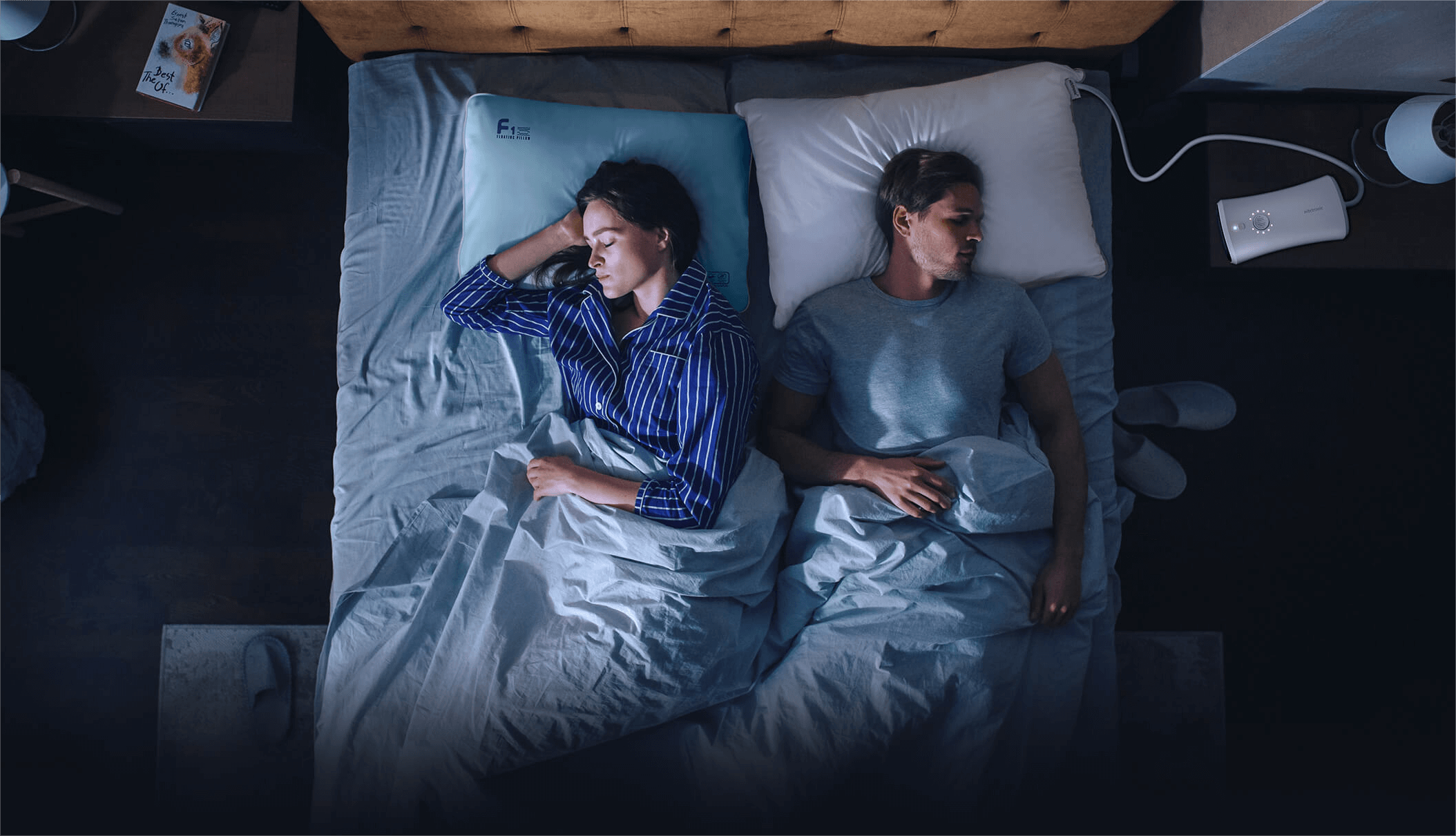
If the pillow uses a separate pump or controller, place it on a firm, dry, ventilated surface. Keep it away from water, loose fabric, direct heat, and any position where it could fall during the night.
Make sure the hose and power cable have enough slack for normal movement but do not create a trip or entanglement risk. If you share the bed, confirm that neither person will roll onto the hardware.
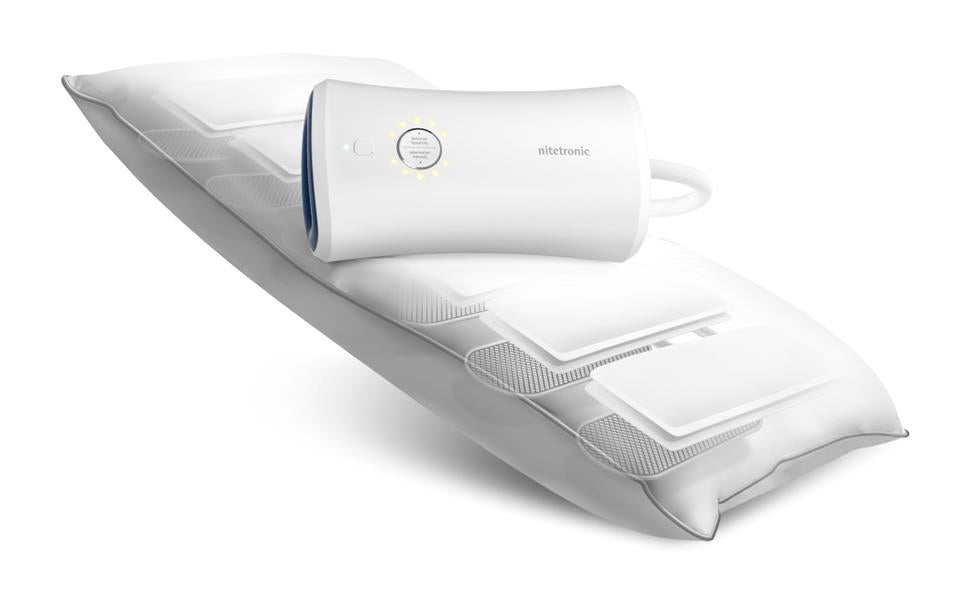
The Nitetronic Z6 Smart Anti-Snore Pillow is one example of a sensor-guided adjustable pillow. Always follow the instructions supplied with the exact model you own, because hardware and app steps can differ.
3. Complete App Setup Before Bedtime
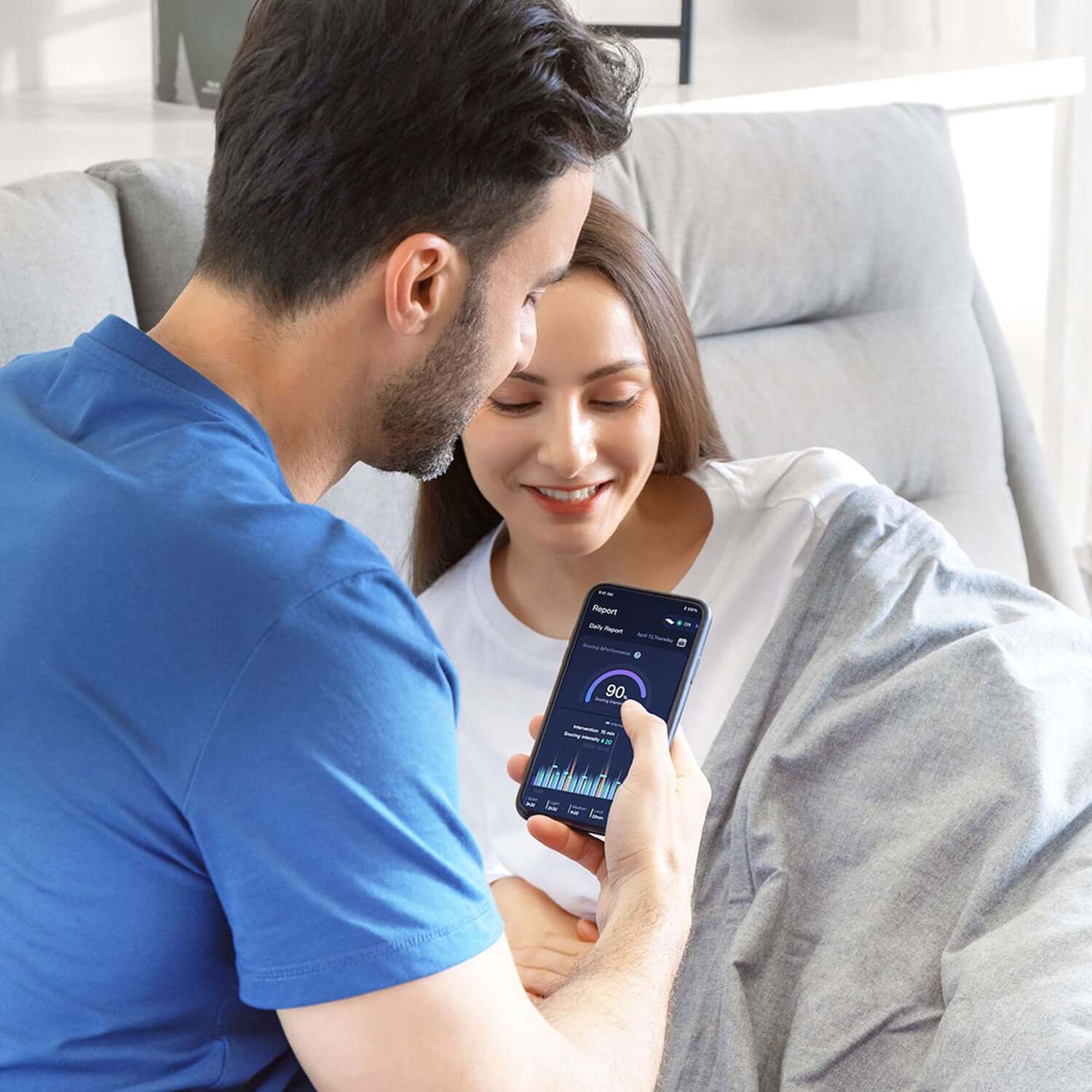
Install the official app and complete account, Bluetooth, Wi-Fi, or device-pairing steps earlier in the day. Waiting until bedtime can turn a simple permission request into unnecessary frustration.
Check the following:
- the app is the current official version;
- the phone has the required Bluetooth or local-network permission;
- notifications are configured according to your preference;
- the pillow has completed any required firmware update;
- the device appears online and responds to a manual test;
- privacy and data-retention settings have been reviewed.
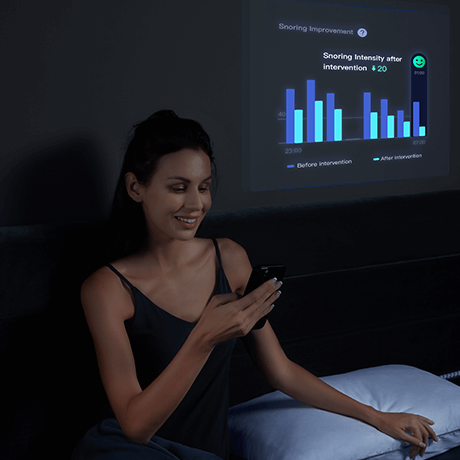
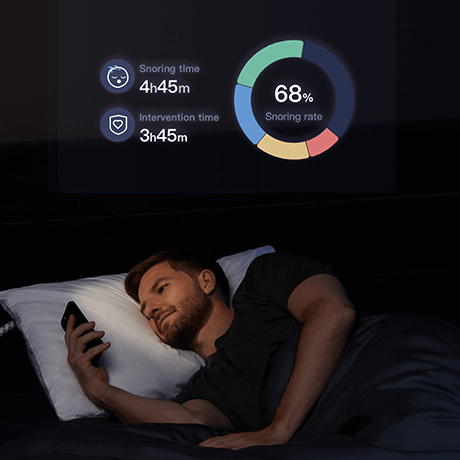
The Nitetronic Pillow App overview explains the companion experience. If the core pillow function can work without a continuous phone connection, confirm that behavior before the first night.
4. Run a Short Manual Test
Test the adjustment while you are awake. Use the app or controller to confirm that the support system inflates, deflates, or changes position as expected. Listen for unusual mechanical noise and make sure the movement remains comfortable.
A manual test helps separate a setup problem from an automatic-detection issue. If the pillow does not respond, check power, cable connections, pairing status, and the manufacturer’s troubleshooting instructions before sleeping on it.
Do not continue using electronic sleep equipment if it becomes unusually hot, smells damaged, leaks, makes abnormal sounds, or has a damaged cable.
5. Reduce Avoidable Bedroom Noise
Sound-detection systems work in a real bedroom, not a laboratory. A partner’s snoring, television, fan, traffic, pets, or audio playing from a phone can influence acoustic detection.
You do not need a silent room, but keeping conditions reasonably consistent makes nightly trends easier to compare. Avoid placing the control unit or phone directly next to a speaker. If two people snore, remember that a consumer system may not always attribute every sound to the correct person.
For more detail on sensors and classification, read AI Pillow vs Smart Pillow: What Do the Sensors Actually Do?.
6. Use Conservative Automatic Settings First
If sensitivity or response intensity is adjustable, start conservatively. A strong or frequent adjustment may disturb sleep even when the system is operating normally. Give yourself time to understand the sensation before increasing it.
The goal is comfortable support and a subtle response—not the largest possible movement. If an adjustment causes pain, numbness, dizziness, or repeated waking, stop the automatic feature and reassess the physical setup.
The How It Works page provides a general explanation of Nitetronic’s sensing and adjustment approach, but the settings available depend on the model.
7. Evaluate Several Nights, Not One Score
The first night may be affected by unfamiliar equipment, a different bedtime, alcohol, congestion, travel fatigue, stress, or bedroom noise. Review several comparable nights before deciding whether the setup feels useful.
Keep a simple note of:
- bedtime and wake time;
- usual sleeping position;
- congestion, alcohol, or unusual fatigue;
- comfort and number of remembered awakenings;
- whether the pillow stayed in place;
- any app or connection issue.
Use app results as consumer trends. A snoring score, detected sound event, or breathing-related label does not establish the cause of a symptom and should not be used to diagnose sleep apnea.
8. Know When Data Is Not Enough
Persistent loud snoring can occur alongside obstructive sleep apnea or another health issue. Seek medical advice if snoring is accompanied by witnessed breathing pauses, gasping, choking, chest pain, severe daytime sleepiness, morning headaches, or drowsy driving.
The American Academy of Sleep Medicine’s position statement says consumer sleep technology without appropriate validation and regulatory clearance should not be used to diagnose or treat sleep disorders. Consumer data may help you describe patterns to a healthcare professional, but it does not replace clinical evaluation.
Never stop or change prescribed CPAP or other treatment because a pillow or app reports a quieter night.
First-Week Review
At the end of the week, ask four practical questions:
- Is the pillow comfortable enough to use consistently?
- Did the hardware and app work reliably?
- Were automatic responses subtle rather than disruptive?
- Do any symptoms require professional assessment regardless of the app trend?
If the physical fit is wrong, compare dimensions, height, and adjustment styles before changing sensitivity settings. The anti-snore pillow collection can help you compare different support designs.
The Bottom Line
Good smart-pillow setup combines ordinary pillow fit with careful hardware placement, app preparation, a manual test, conservative automatic settings, and several nights of observation. Treat the app as a trend tool, not a diagnostic instrument.
A comfortable, repeatable setup gives you better information than chasing the highest score or changing several variables every night.
Frequently Asked Questions
Does a smart anti-snore pillow need a phone nearby all night?
It depends on the model. Some pillows need the app for setup and reports but can perform core functions without a continuous phone connection. Check the instructions for your specific device.
How many nights should I test the pillow?
Use several comparable nights when possible. One night can be influenced by congestion, fatigue, alcohol, bedroom noise, or unfamiliar equipment.
Can room noise affect snoring detection?
Yes. Fans, televisions, traffic, pets, and a partner can affect sound-based detection. Keep conditions reasonably consistent and interpret results as trends.
Can the pillow diagnose sleep apnea?
No. A consumer pillow or app should not be used to diagnose sleep apnea. Concerning symptoms require evaluation by a qualified healthcare professional.
What if the automatic adjustment wakes me?
Reduce sensitivity or response intensity if the product allows it, recheck physical fit, and use a manual setting while troubleshooting. Stop using a feature that causes pain or repeated sleep disruption.

Leave a comment
This site is protected by hCaptcha and the hCaptcha Privacy Policy and Terms of Service apply.