
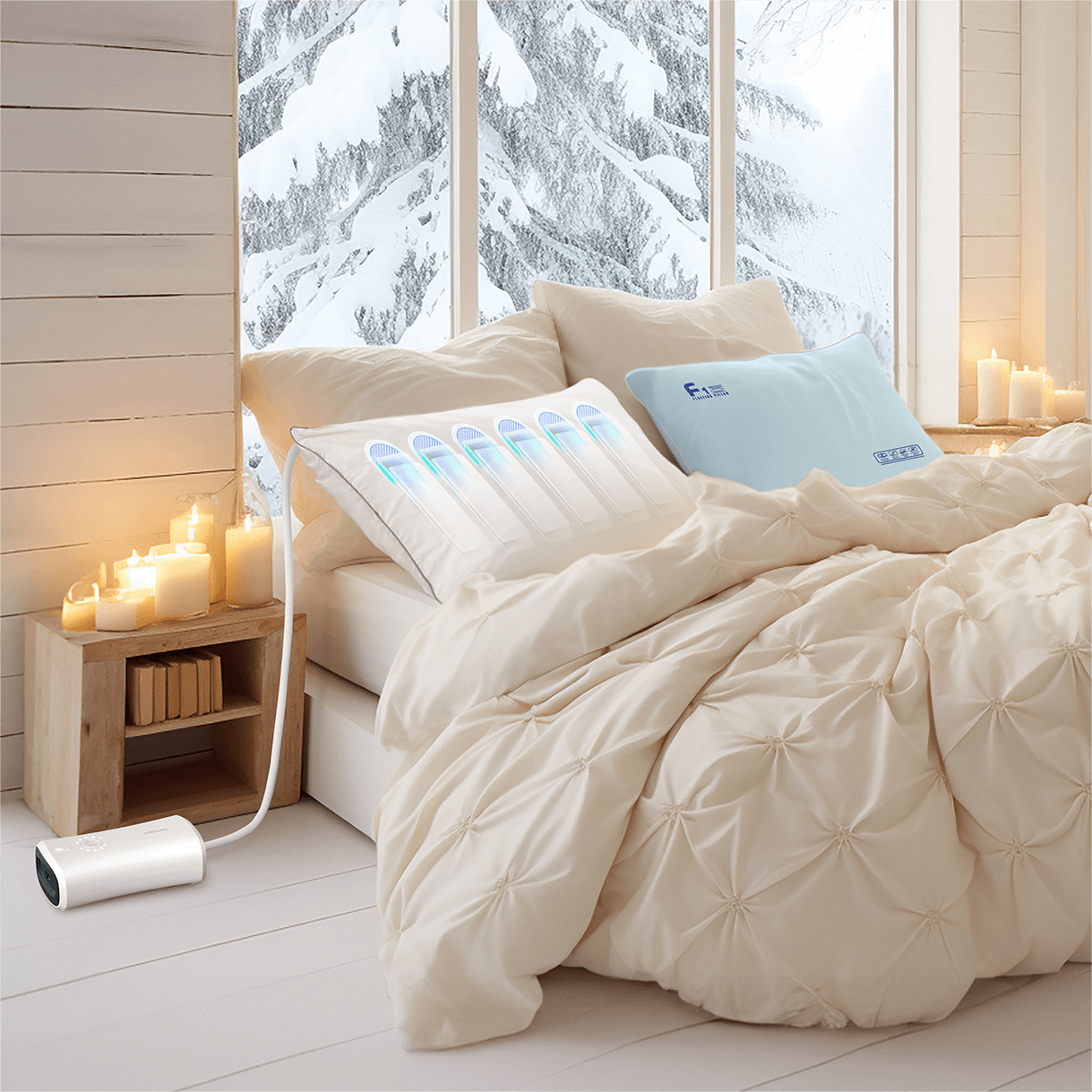

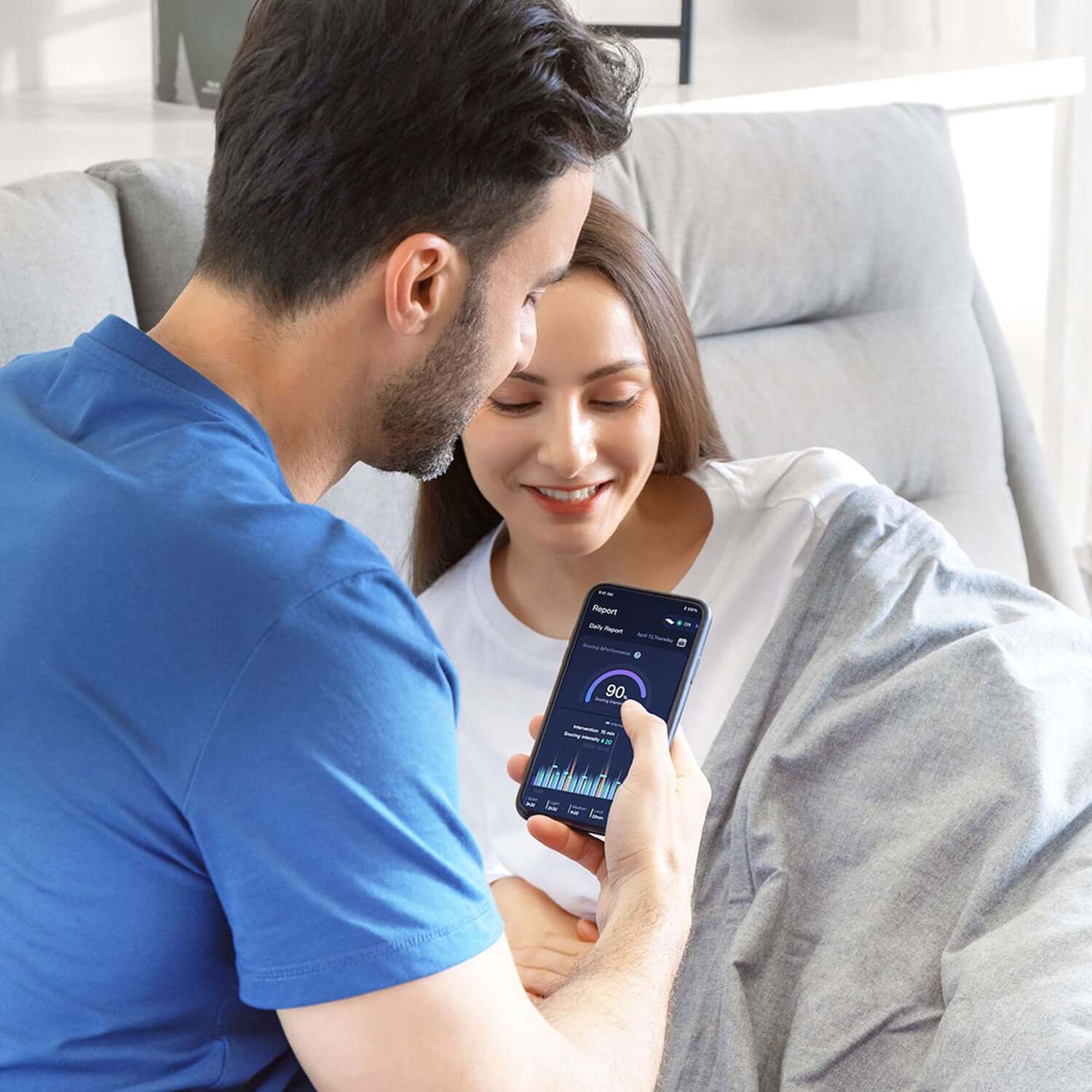
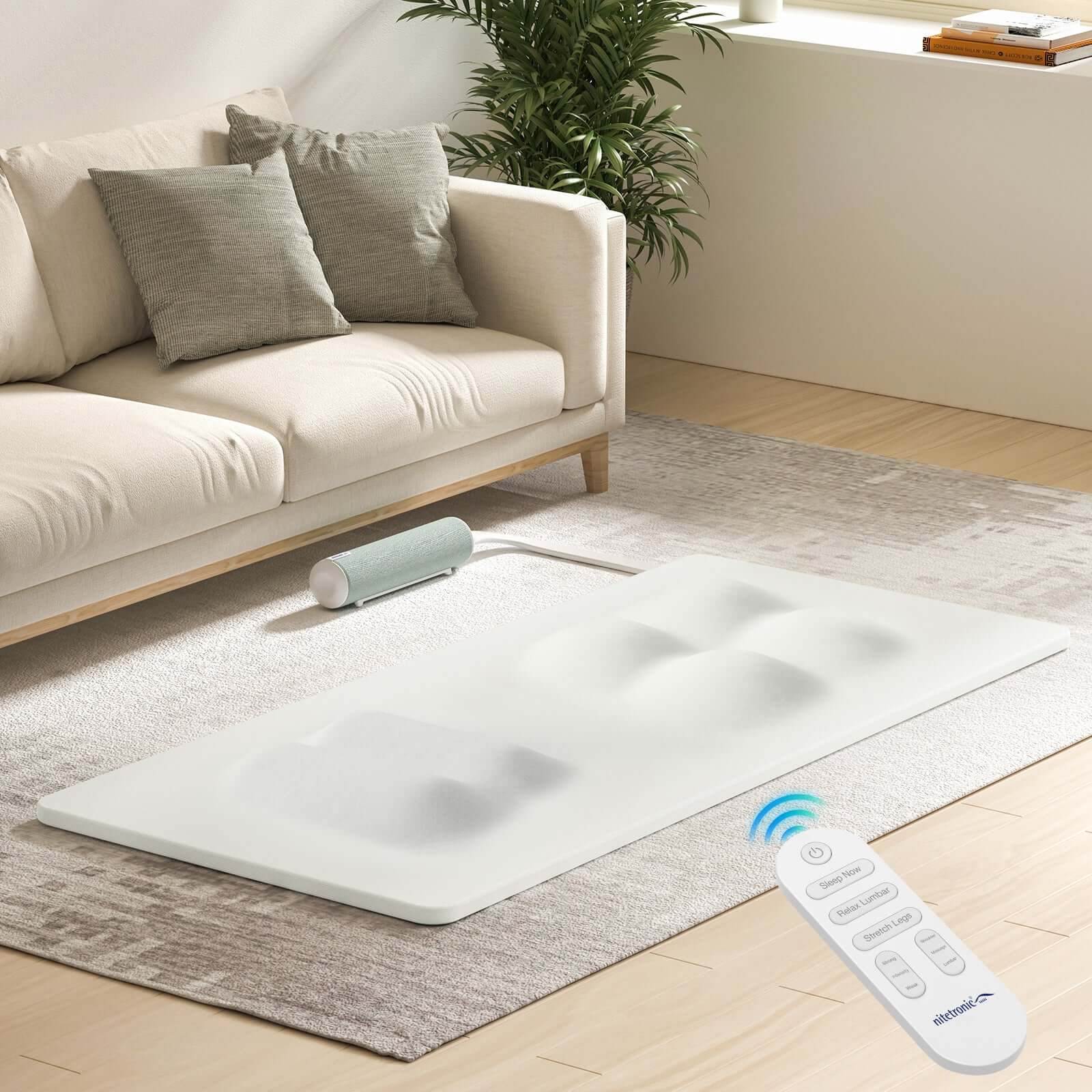
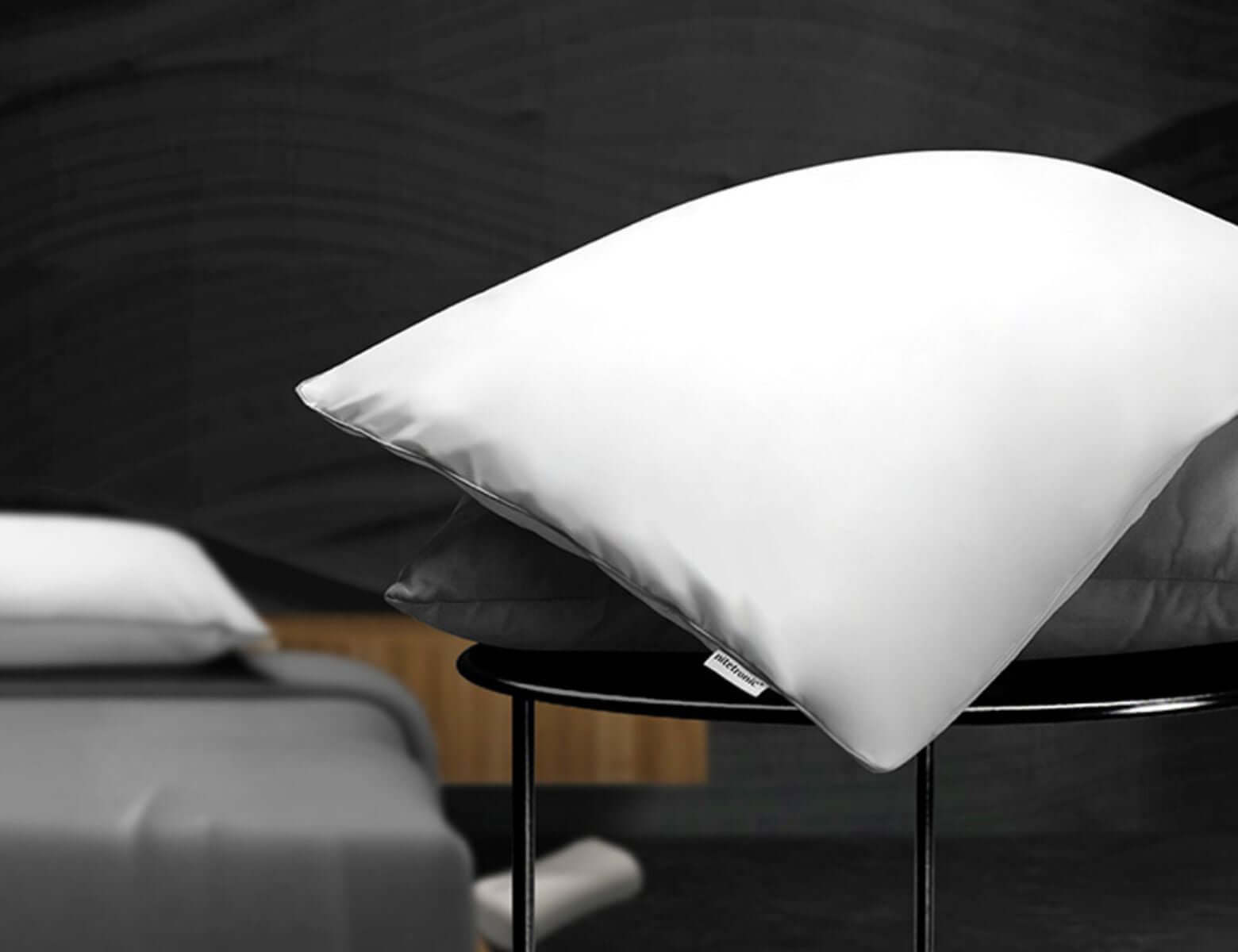


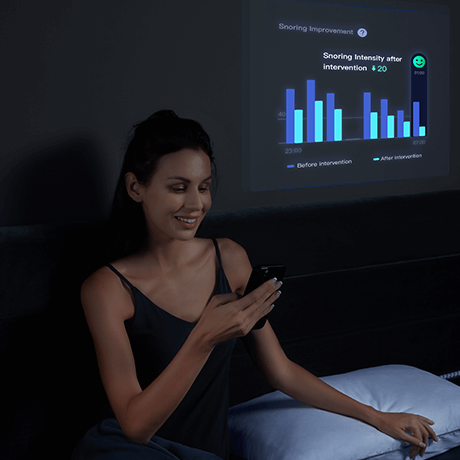
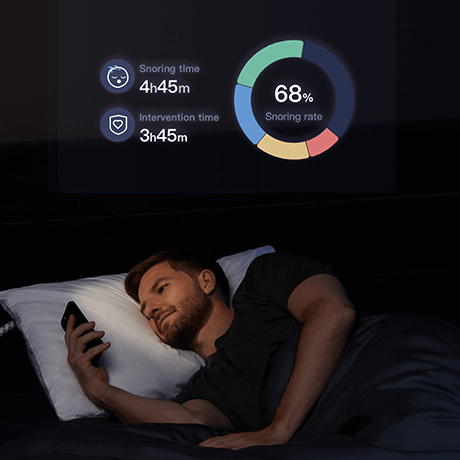
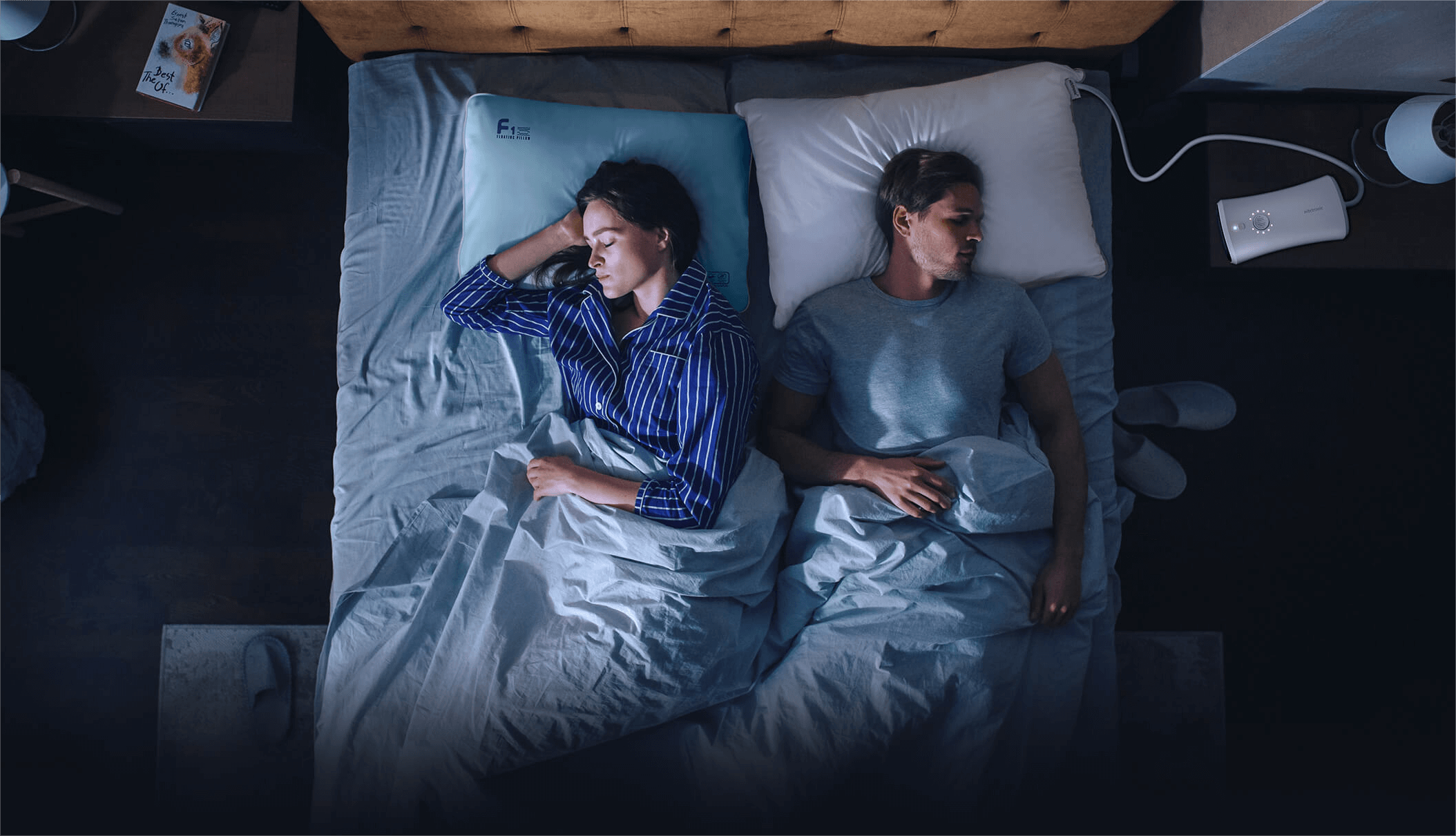
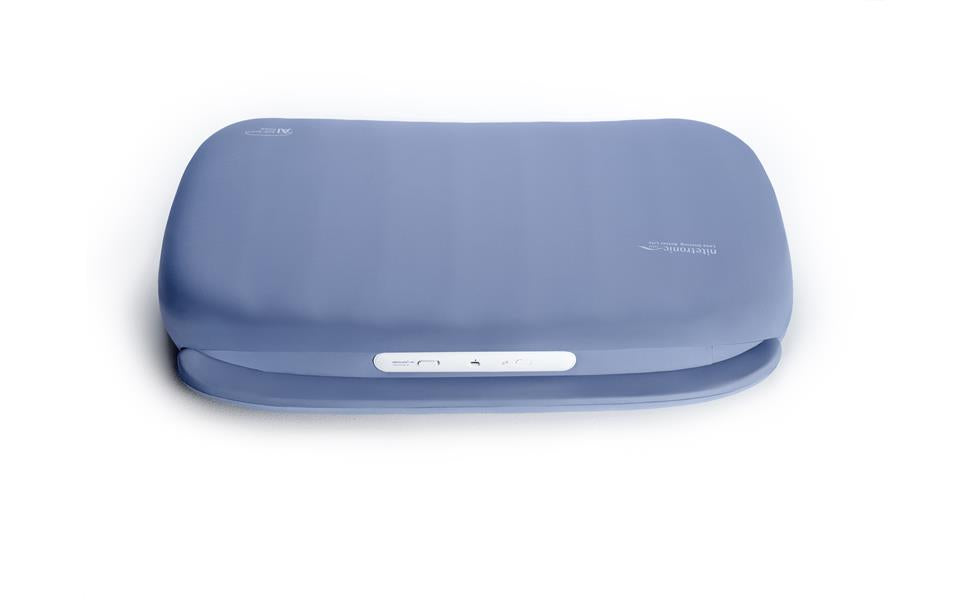
A smart pillow can make bedtime feel surprisingly connected. Alongside questions about comfort and setup, there is another useful question: what information will the companion app collect, and who will be able to see it?
If you are comparing a smart pillow for snoring, treat privacy as part of the buying decision. You do not need to understand every technical term. You need clear answers about the features you plan to use, the permissions they require, and the controls available afterward.
1. Which features actually need the app?
Start by separating pillow operation from connected features. On the Nitetronic A1 product page, the FAQ explains that its automatic anti-snoring functions operate when powered on without requiring the app. The app adds access to reports, sensitivity adjustments, and demonstration features.
That distinction helps you make a choice. Someone interested mainly in the pillow's physical response may have different privacy preferences from someone who wants to review app reports regularly. Requirements vary by product, so check the instructions for your exact model. Our guide to smart pillows, Wi-Fi, and app requirements explains the setup distinction in more detail.
2. Does the feature use sound, summaries, or saved recordings?
Snoring detection, a nightly chart, and an audio playback feature are different things. Do not assume that a device detecting a sound necessarily saves a recording, or that a displayed summary tells you where its underlying data is processed.
Ask the provider which information is collected for each feature you want: sound recordings, derived measurements, account details, device identifiers, or another category. Ask separately whether the information stays on a device, reaches a server, or uses a third-party service. If the documentation does not answer a question, leave it open until support clarifies it.
3. What does each requested permission enable?
During setup, read the permission screen before tapping through it. A permission request alone does not explain every detail of an app's behavior.
Match each request to a feature described in the app's current instructions. If the purpose is unclear, ask what stops working when you decline it, whether you can enable it later, and how to review the setting on your phone. Keep your questions specific rather than assuming that every optional feature needs every permission.
4. Could the information involve your partner?
In a shared bedroom, discussing connected features together is a reasonable part of setup. Explain which reports or recordings you intend to use and ask whether your partner is comfortable with that arrangement.
Think about account access as well. A shared phone or tablet may make private reports easy for someone else to open. Agree on who will use the account and whether any information will be shared outside the household. Avoid posting screenshots or recordings involving another person without their agreement.
5. How long is information kept, and how can you delete it?
Look for instructions that distinguish deleting an individual record, removing a connected device, and closing an account. These actions may have different consequences; do not assume that uninstalling an app completes all of them.
Ask whether you can export information first, what a deletion request covers, and whether the provider explains any retention period. Keep the provider's answer with your purchase information. The Nitetronic privacy policy is a starting point for reviewing published privacy information; check the app's own notices too, because a storefront policy may not answer every product-specific question.
6. What changes before lending, selling, or returning the pillow?
Before a device changes hands, ask support for the current model-specific process for removing it from your account and clearing any locally stored information, if applicable. Follow that process rather than guessing at a reset sequence.
If you need reports for your own records, check the available export options before removing access. A clear handover checklist is especially useful when a family member helped set up the original account.
7. Can you get a clear answer before paying?
Send a short list of questions through the brand's contact page. Include the pillow model, phone operating system, app name, and the feature you intend to use. Do not attach private recordings just to ask a general privacy question.
The goal is a comfortable choice about a consumer sleep-support product. App reports do not diagnose or rule out sleep apnea and do not replace professional assessment or prescribed treatment. Choose connected features because they serve your needs, with privacy expectations you understand.
Frequently asked questions
Do all smart pillows require an app account?
No single rule covers every smart pillow. Check the exact model and separate its physical functions from connected reporting or personalization features.
Does snoring detection mean every sound is recorded?
Do not infer recording or storage behavior from the phrase snoring detection. Ask the provider what the selected feature collects, stores, and transmits.
Is uninstalling the app the same as deleting an account?
Do not assume those actions are equivalent. Check the provider's instructions for record deletion, account closure, and device removal separately.
Should partners discuss app recording features?
Yes. Agree on the features you will use and who can access or share the resulting information before enabling them in a shared bedroom.

Leave a comment
This site is protected by hCaptcha and the hCaptcha Privacy Policy and Terms of Service apply.